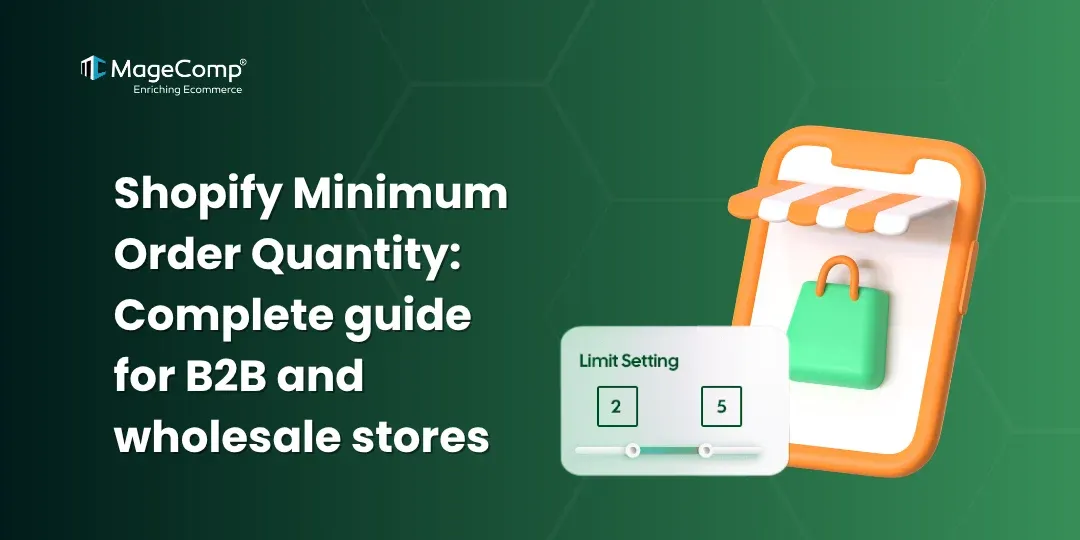
Controlling how customers buy products is a necessity for B2B and wholesale eCommerce. One way to accomplish this is by using Minimum Order Quantity (MOQ) rules in your Shopify store. Whether you want to prohibit small, low-margin orders or promote bulk purchasing, MOQ plays an essential role in optimizing your sales strategy.

This guide will cover what MOQ is, why it matters, and how to implement it in Shopify with the use of apps like the KOR Order Limits Quantity Shopify App.
What is Minimum Order Quantity (MOQ)?
Minimum Order Quantity (MOQ) is defined as the least amount of units required by a buyer to complete a request.
For example:
- A wholesaler may require a minimum of 10 units per product
- A supplier may only sell items in bundles of 50
MOQ allows companies to improve their profitability and create efficiency within the supply chain. According to Shopify, Minimum Order Quantity provides a mechanism for managing inventory costs, cash flow, and efficiency.
Why MOQ is Important for B2B & Wholesale Stores?
1. Ensures Profitability
Small orders cause higher handling and shipping costs; MOQ helps to ensure that every order is financially viable.
2. Encourages Bulk Purchases
MOQ incentivizes customers to purchase more, thus raising your average order value (AOV).
3. Simplifies Inventory Management
When you have fewer but bigger orders, this simplifies how you manage your inventory.
4. Prevents Stock Hoarding
By implementing a fair limit on orders, you will be prevented from having a large quantity of stock hoarded.

How to Set MOQ in Shopify
1. Use a Shopify Order Limit App
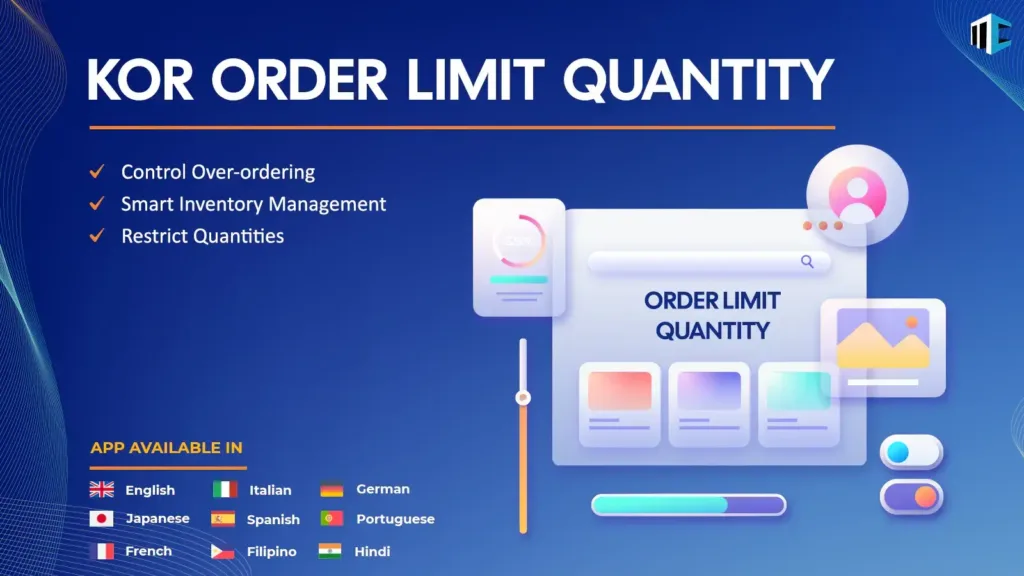
The KOR Order Limits Quantity Shopify App allows you to set Minimum Order Quantities for any item you want.
This app gives you the ability to:
- Set the minimum and maximum quantity for each product or variant
- Apply limits on your collections or entire cart
- Use customer tags to limit purchases (perfect for B2B)
- Create time-based and/or event-based rules
- Display custom error messages on checkout
In addition, it provides additional rules restricting the overall order value, weight, and frequency of purchase.
2. Set MOQ Based on Customer Groups (B2B)
If you are a wholesale business selling items through Shopify, you can:
- Add tags to your customers to identify them as “wholesale”
- Establish different MOQs for each tag assigned to your B2C customers
- Provide for multiple pricing tiers based on quantity purchased
This is especially helpful if you are an outlet that sells to both retail and B2B customers.
3. Configure Cart & Checkout Validation
MOQ’s must be enforced before a user can check out. You can accomplish this with the help of apps that can:
- Prevent users from checking out if the MOQ has not been met
- Issue alerts/warnings based on customer selection
- Guide customers to increase quantity
4. Bulk Manage MOQ Rules
When you have a lot of products:
- Use CSV import/export features
- Apply global rules and override them per product

Why Choose KOR Shopify App for MOQ?
The KOR Order Limits Quantity Shopify App is a great tool to manage purchasing limits.
Key Features:
- Easily set a MOQ and maximum limits
- Control how items are ordered by product, by collection, and/or by the shopping cart
- Customer Tag based restrictions for B2B businesses
- Implement time and event-based rules
- Bulk manage via CSV file
- Customize error messages.
Affordable, easy to use, and an ideal solution for both small and large Shopify stores.
Explore other Shopify apps.
Conclusion
MOQ is a great strategy to be successful with B2B and wholesale on Shopify. However, there is no out-of-the-box solution from Shopify for MOQs. If you use the KOR Order Limits Quantity Shopify App, you are able to create and manage MOQs with ease.
By having the right order limits in place, you will increase your profit, manage your inventory, and deliver a better ordered-product experience to your customers.

If you need custom MOQ logic or advanced B2B features, consider the expert Shopify Development Service.
FAQ
1. What is MOQ in Shopify?
The minimum order quantity is the lowest number of items that a customer has to buy from you before they can place an order.
2. Does Shopify support MOQ by default?
Shopify does not support an MOQ natively or through any internally built features. However, you can still implement MOQ using either a third-party app or through custom programming.
3. Which is the best Order Limit App for Shopify?
One of the most popular Order Limit Applications in Shopify is KOR Order Limits Quantity, which is used to create MOQs, maximum quantity limits, and to set up other advanced purchasing constraints.
4. Can I set different MOQ for wholesale customers?
Yes, using apps, you can apply MOQ rules based on customer tags, making it ideal for B2B stores.
5. Can MOQ be applied to collections or cart value?
Yes, advanced apps allow you to set MOQ based on:
- Product
- Collection
- Cart value
- Weight
- Customer group
6. What is a purchase limit on a Shopify store?
A purchase limit restricts how many units of a product a customer can buy in a single order or over a period of time. Apps like KOR Order Limits Quantity make it easy to configure these rules without any coding.
7. Why do Shopify store owners set purchase limits?
To prevent bulk buying, control inventory, avoid scalping, manage wholesale orders, or comply with regulations. KOR Order Limits Quantity is commonly used for all these scenarios.
8. What is the difference between a minimum and maximum order quantity?
A minimum order quantity (MOQ) is the least a customer must buy, while a maximum sets the ceiling on how much they can purchase. KOR Order Limits Quantity lets you set both on the same product simultaneously.
9. What does order quantity limit mean in ecommerce?
It’s a rule that restricts the number of items a shopper can add to their cart or purchase per transaction. KOR Order Limits Quantity enforces these rules at the cart, product page, and checkout levels.
10. Can Shopify limit how many items a customer buys?
Shopify doesn’t have a built-in per-customer purchase limit. Store owners use apps like KOR Order Limits Quantity to enforce these rules at the product, collection, or store level.
11. What is a storewide purchase limit?
A global rule that applies the same minimum or maximum quantity restriction across all products in a store. KOR Order Limits Quantity supports global limits as part of its Basic plan.
12. What is a per-customer purchase limit?
A restriction that tracks each individual customer and prevents them from buying more than a set quantity over a defined time period. KOR Order Limits Quantity offers this on its Pro plan.
13. How do I set a maximum purchase quantity on Shopify?
Install an order limits app like KOR Order Limits Quantity, then define max quantity rules at the product, variant, collection, or store level directly from the app dashboard.
14. How do I set a minimum order quantity on Shopify?
Using KOR Order Limits Quantity, you can configure MOQ rules per product, collection, or customer group in just a few clicks — no theme code edits required.
15. Can I set different purchase limits for different products?
Yes. KOR Order Limits Quantity allows product-specific rules that override global settings, giving you full flexibility across your catalog.
16. Can I set purchase limits on product variants separately?
Yes. KOR Order Limits Quantity supports variant-level limits, so you can control quantities for each size, color, or option independently.
17. How do I limit purchases per collection on Shopify?
KOR Order Limits Quantity lets you apply a collection-scoped rule that restricts the total quantity across all products within that collection.
18. Can I limit how many times a customer can order a product over time?
Yes. KOR Order Limits Quantity supports time-based and purchase frequency limits, allowing you to restrict repeat purchases daily, weekly, monthly, or over a custom date range.
19. How do I set a purchase limit for a flash sale or limited-edition product?
With KOR Order Limits Quantity, you can apply a max quantity on a specific product and set a date-based expiry so the limit automatically lifts after the sale ends.
20. Can I set purchase limits only for certain customer groups?
Yes. KOR Order Limits Quantity’s Pro plan supports customer tag-based rules, so you can apply different limits to retail, wholesale, or VIP customers separately.
21. Will a purchase limit block customers at checkout?
Yes. KOR Order Limits Quantity includes checkout validation that blocks customers from completing an order if their quantity exceeds the defined limit.
22. Can customers bypass purchase limits by placing multiple orders?
KOR Order Limits Quantity’s Pro plan includes per-customer order tracking and checkout-level validation, which prevents customers from bypassing limits through multiple separate orders.
23. Will a purchase limit automatically adjust the cart quantity?
KOR Order Limits Quantity displays a clear alert and prompts the customer to correct their quantity – ensuring a smooth, transparent experience rather than a silent adjustment.
24. How do I show a custom error message when a purchase limit is exceeded?
KOR Order Limits Quantity’s Pro plan includes message customization, so you can display branded, friendly instructions to customers when they exceed a limit.
25. Can I show purchase limit warnings on the product page?
Yes. KOR Order Limits Quantity displays alerts directly on the product page, informing customers of quantity restrictions before they even add an item to the cart.
26. What happens if a customer tries to add more than the allowed quantity to the cart?
KOR Order Limits Quantity either prevents the addition or shows a clear alert message explaining the limit and asking the customer to adjust their quantity.
27. How do I prevent scalping on my Shopify store?
Set a maximum quantity per customer on high-demand products using KOR Order Limits Quantity. You can limit purchases to 1 or 2 units per customer with checkout validation to prevent resellers from bulk buying.
28. How do I limit ticket sales to one per customer on Shopify?
KOR Order Limits Quantity is well-suited for event ticket stores – simply apply a max quantity of 1 per customer on the ticket product with checkout validation enabled.
29. How can I enforce a minimum order quantity for wholesale buyers?
Tag your wholesale customers in Shopify and use KOR Order Limits Quantity’s tag-based rules to apply a minimum quantity that applies only to that customer group.