
In the competitive world of eCommerce, customers expect a smooth shopping experience with clear information about product availability, shipping, and delivery. One common challenge WooCommerce store owners face is handling orders from locations where delivery services are unavailable. When customers discover shipping restrictions only at checkout, it can lead to frustration, abandoned carts, and unnecessary support inquiries.
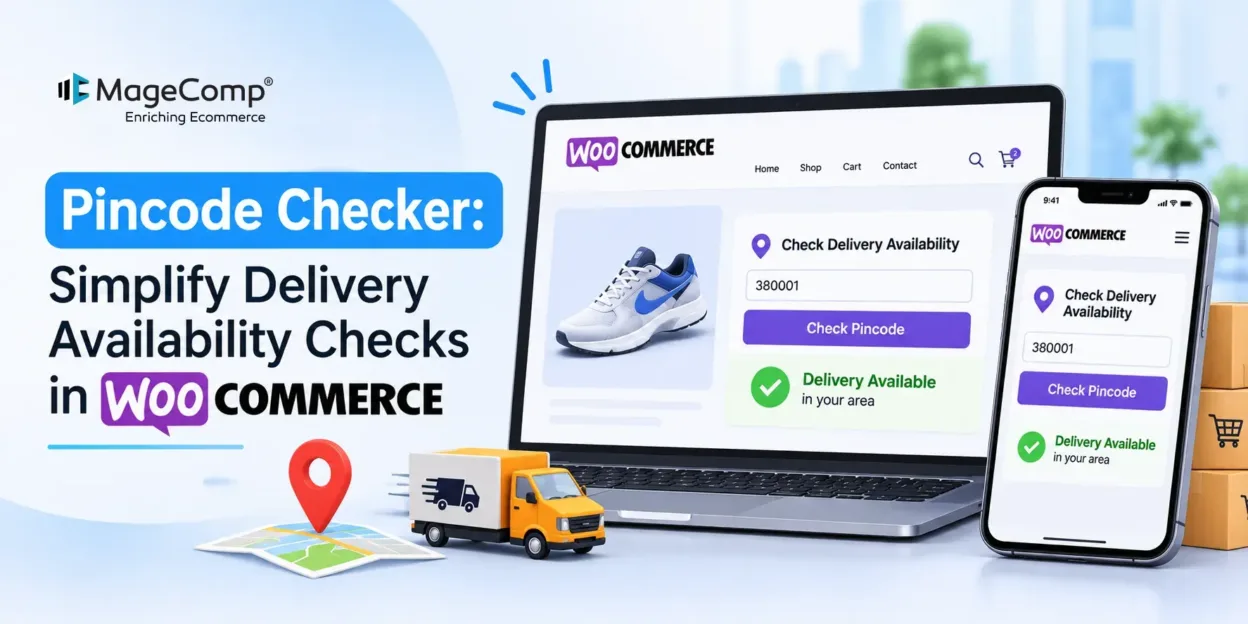
The MageComp Pincode Checker WordPress Plugin helps solve this problem by allowing customers to check delivery availability directly from product pages. Shoppers can simply enter their PIN code or ZIP code and instantly find out whether a product can be delivered to their location.
Whether you operate a local WooCommerce store or serve customers across multiple regions, this plugin makes delivery verification easier and creates a more transparent shopping experience.

What is MageComp Pincode Checker WordPress Plugin?
MageComp Pincode Checker is a lightweight WooCommerce plugin that enables customers to verify delivery availability using their PIN code or ZIP code before purchasing a product.
Instead of proceeding to checkout and discovering delivery restrictions later, customers can check serviceability directly from the product page. Store administrators can manage PIN codes, import and export bulk data, and connect PIN codes with WooCommerce Shipping Zones.
With its AJAX-powered checking functionality, customizable messages, and theme-friendly design, the plugin helps store owners simplify delivery management while improving customer confidence.
Key Features of MageComp Pincode Checker Plugin
Let’s explore the essential features that make this WooCommerce Pincode Checker plugin useful for online businesses.
1. Instant Delivery Availability Check
Allow customers to check whether their location is eligible for delivery directly from the product page. They simply enter their PIN code and receive an immediate response without navigating to the checkout page.
2. Bulk PIN Code Import and Export
Managing hundreds or thousands of PIN codes manually can be time-consuming. The plugin allows store administrators to upload and download PIN code records using CSV or XLS files. This makes bulk PIN code management faster and more convenient.
3. WooCommerce Shipping Zone Integration
Simplify your shipping configuration by connecting imported PIN codes with WooCommerce Shipping Zones. This helps store owners organize delivery locations and manage shipping availability more efficiently.
4. AJAX-Based PIN Code Verification
Provide customers with a smooth checking experience through AJAX functionality. Customers receive delivery availability responses without reloading the entire product page, making the shopping journey faster and more convenient.
5. Easy PIN Code Management
Manage your store’s delivery locations directly from the WordPress dashboard. Administrators can easily add, edit, delete, activate, or deactivate individual PIN codes according to their delivery requirements.
6. Customizable Messages and Buttons
Maintain consistent store communication by customizing the PIN code checker interface. You can modify titles, placeholder text, button labels, and success or error messages to match your store’s branding and communication style.
7. Theme-Friendly Design
Integrate the PIN code checking form naturally into your WooCommerce storefront. The plugin offers customizable form styling that fits your website’s overall appearance and provides a consistent shopping experience.
8. Translation-Ready and WooCommerce Theme Compatibility
Create a convenient shopping experience for customers across different regions. The plugin is translation-ready and designed to work with WooCommerce-ready themes.
Benefits of Using MageComp Pincode Checker Plugin
Adding a PIN code checker to your WooCommerce store offers several advantages for both customers and store administrators.
1. Reduce Cart Abandonment
Customers often hesitate to purchase when they are unsure whether a product can be delivered to their location. By displaying delivery availability directly on product pages, you can eliminate this uncertainty early and encourage customers to continue shopping.
2. Improve Customer Shopping Experience
Customers don’t want to go through multiple checkout steps just to discover whether their location is serviceable. An instant PIN code checker makes delivery verification simple, quick, and convenient.
3. Build Customer Trust and Transparency
Providing clear delivery information before purchase creates a transparent shopping environment. Customers can make informed purchasing decisions without worrying about unexpected shipping restrictions.
4. Minimize Unserviceable Orders
Allowing shoppers to verify delivery availability before adding products to their cart helps reduce orders from unsupported locations. This can minimize order cancellations and unnecessary order management efforts.
5. Save Store Management Time
Bulk PIN code import and export, along with easy PIN code management, helps administrators maintain delivery records efficiently. Store owners can manage large sets of delivery locations without updating each entry individually.
6. Reduce Customer Support Inquiries
When delivery availability is clearly displayed on product pages, customers have fewer reasons to contact support just to confirm whether their location is serviceable. This allows your support team to focus on more important customer queries.
Final Thoughts
Providing a convenient shopping experience goes beyond offering quality products and competitive prices. Customers also need clear information about whether their orders can reach their locations.
The MageComp Pincode Checker WordPress Plugin makes delivery verification simple with instant PIN code checking, bulk PIN code management, WooCommerce Shipping Zone integration, AJAX functionality, and customizable form settings.
If you want to improve delivery transparency, reduce unserviceable orders, and create a smoother WooCommerce shopping experience, this plugin is a practical addition to your online store.
Make delivery availability clear before checkout with MageComp Pincode Checker!

FAQ
1. What is the MageComp Pincode Checker WordPress Plugin?
MageComp Pincode Checker is a WooCommerce plugin that allows customers to check product delivery availability by entering their PIN code or ZIP code directly on product pages.
2. How does the Pincode Checker plugin work?
Customers enter their PIN code in the checker form on a product page. The plugin verifies the entered code against the configured delivery locations and displays an appropriate availability message.
3. Can I import multiple PIN codes in bulk?
Yes, the plugin supports bulk PIN code import and export using CSV or XLS files, making it easier to manage large numbers of delivery locations.
4. Does the plugin support WooCommerce Shipping Zones?
Yes, the plugin supports integration with WooCommerce Shipping Zones, helping store administrators organize and manage delivery locations.
5. Does the Pincode Checker require a page reload?
No, the plugin uses AJAX functionality to display delivery availability results without requiring customers to reload the entire product page.
6. Can I customize the PIN code checker form?
Yes, store administrators can customize form elements, including titles, placeholder text, button labels, and success or error messages.
7. Can I manage PIN codes from the WordPress dashboard?
Yes, administrators can add, edit, delete, activate, and deactivate PIN codes directly from the WordPress dashboard.
8. Is MageComp Pincode Checker compatible with WooCommerce themes?
The plugin is designed to work with WooCommerce-compatible themes and provides customizable styling to maintain a consistent storefront appearance.
9. Can customers check delivery availability before purchasing?
Yes, customers can enter their PIN code directly on the product page and check delivery availability before proceeding with their purchase.
10. How does a Pincode Checker improve the WooCommerce shopping experience?
It helps customers identify delivery availability before checkout, reduces uncertainty, minimizes unserviceable orders, and provides a more transparent shopping experience.