
Managing daily order volumes can be challenging for Shopify merchants, especially when product availability, staff capacity, or order fulfilment resources are limited. Accepting more orders than a business can handle may lead to delayed deliveries and operational difficulties.
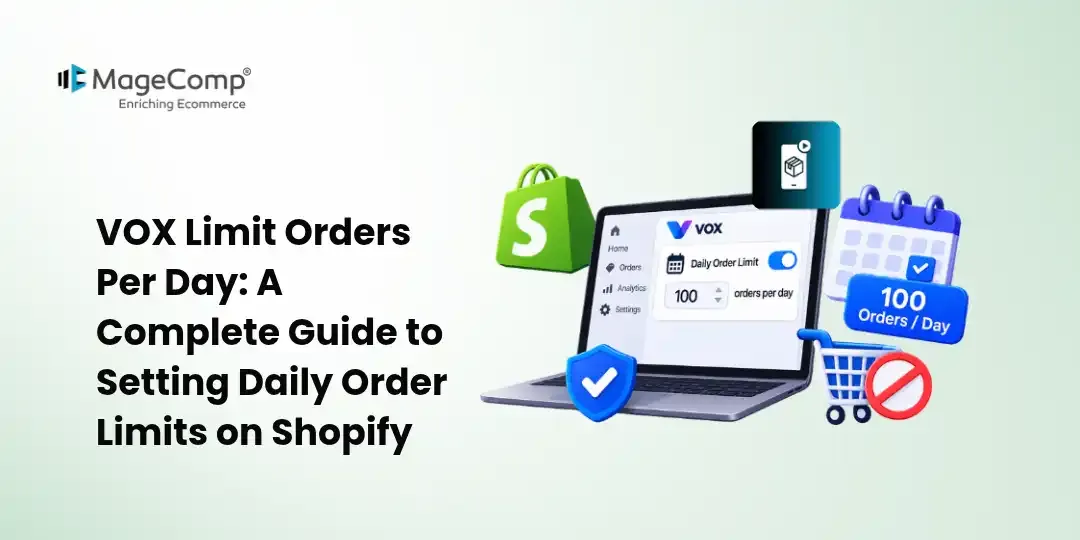
VOX Limit Orders Per Day by MageComp helps Shopify merchants control the number of orders they accept on specific days of the week. Merchants can define daily limits and automatically restrict additional orders once the configured threshold is reached.
In this guide, we will explain how to configure and use the VOX Limit Orders Per Day app to manage daily order limits on your Shopify store.

Key Features of VOX Limit Orders Per Day
- Day-Wise Order Limits: Set different quantity limits for specific days of the week.
- Product-Specific Restrictions: Configure order quantity limits for individual products.
- Prevent Excess Orders: Automatically restrict additional orders when the configured daily limit is reached.
- Flexible Quantity Management: Set different or random quantity limits for different weekdays.
- Better Order Fulfilment: Manage incoming orders according to your available resources and processing capacity.
How to Configure VOX Limit Orders Per Day on Shopify?
Follow these steps to install and configure the app on your Shopify store.
Step 1: Install the VOX Limit Orders Per Day App
Visit the Shopify App Store and search for VOX Limit Orders Per Day. Click the Install button and follow the on-screen instructions to add the app to your Shopify store. Once installed, open the app from your Shopify admin panel to access its configuration settings.
Step 2: Activate the App
After opening the app, enable its functionality to start managing daily order limits. Make sure the app is activated before configuring the restrictions so that the settings can be applied to your storefront.
Step 3: Configure Order Limits for Specific Days
Navigate to the order limit configuration section and select the product for which you want to restrict daily orders. Choose the weekdays on which you want to apply quantity restrictions.
Enter the maximum quantity customers can order for each selected day. You can configure different quantities for other weekdays according to your business requirements.
Step 4: Set Different Quantity Limits for Weekdays
Configure individual quantity limits for the days of the week based on your inventory, workforce, and order fulfilment capacity. The app also allows merchants to set random quantity limits for different days.
This flexibility helps merchants manage daily sales without exceeding their operational capacity.
Step 5: Configure the Alert Message
Set an appropriate message to inform customers when the daily order limit has been reached. This message helps customers understand why they cannot place additional orders for the restricted product.
Use a clear and customer-friendly message explaining that the maximum order quantity for the day has been reached.
Step 6: Save and Test the Configuration
After configuring the daily quantity restrictions, save your settings. Visit your Shopify storefront and test the selected product by placing orders within and beyond the configured quantity limits.
Verify that customers can place orders within the permitted quantity and that additional orders are restricted once the daily threshold is exceeded.
Conclusion
Managing daily order volumes is essential for Shopify businesses that operate with limited inventory, staff, or fulfilment resources. VOX Limit Orders Per Day makes this process easier by allowing merchants to configure weekday-specific product quantity limits and prevent additional orders once the set threshold is reached.
Install VOX Limit Orders Per Day by MageComp and take better control of your Shopify store’s daily order management.

FAQ
1. What is the VOX Limit Orders Per Day Shopify App?
VOX Limit Orders Per Day is a Shopify app by MageComp that allows merchants to set daily purchase quantity limits for specific products based on the day of the week.
2. Can I set different order limits for each day of the week?
Yes, merchants can configure different purchase quantity limits for each weekday according to their inventory, production capacity, and fulfilment requirements.
3. Can I apply daily order limits to specific products?
Yes, you can search for individual products in the app and configure separate daily quantity restrictions for each selected product.
4. What happens when the daily order limit is reached?
Once the configured quantity threshold is reached, additional orders exceeding the set limit are restricted for that product on that particular day.
5. Can I enable or disable order limits for specific weekdays?
Yes, merchants can enable or disable purchase restrictions for individual days according to their business requirements.
6. Does VOX Limit Orders Per Day support random quantity limits?
Yes, the app offers an option to set random quantity limits for different days of the week, providing additional flexibility in daily order management.
7. Is VOX Limit Orders Per Day suitable for bakery businesses?
Yes, it is useful for bakeries, food businesses, and other stores with limited daily production capacity. For example, a bakery can accept orders for only 30 cakes on Monday and restrict additional orders after reaching the limit.
8. Do I need coding knowledge to configure VOX Limit Orders Per Day?
No, merchants can configure product-specific daily quantity limits through the app without requiring coding knowledge.