

OROSHI Wholesale Reorder
Simplify your B2B operations with MageComp’s OROSHI Wholesale Reorder app. It offers a one-page order form that allows wholesale buyers to place bulk and repeat orders effortlessly, without navigating multiple product pages. Boost customer convenience, improve inventory control, and streamline wholesale transactions with this user-friendly, conversion-driven Shopify solution.
- Enable B2B customers to place bulk orders using a single-page quick order form.
- Allow one-click reordering of previous purchases for faster repeat transactions.
- Set product-specific quantity limits to control bulk purchases and avoid over-ordering.
- Search and filter items by product name, collection, or tags to speed up ordering.
- Display product variants with real-time pricing and stock information.
- Show product thumbnails and descriptions to help customers confirm selections visually.
- Optimize the ordering experience for mobile and desktop users alike.
- Offer custom layout and design to match your store’s theme and branding.
Extension Screenshots
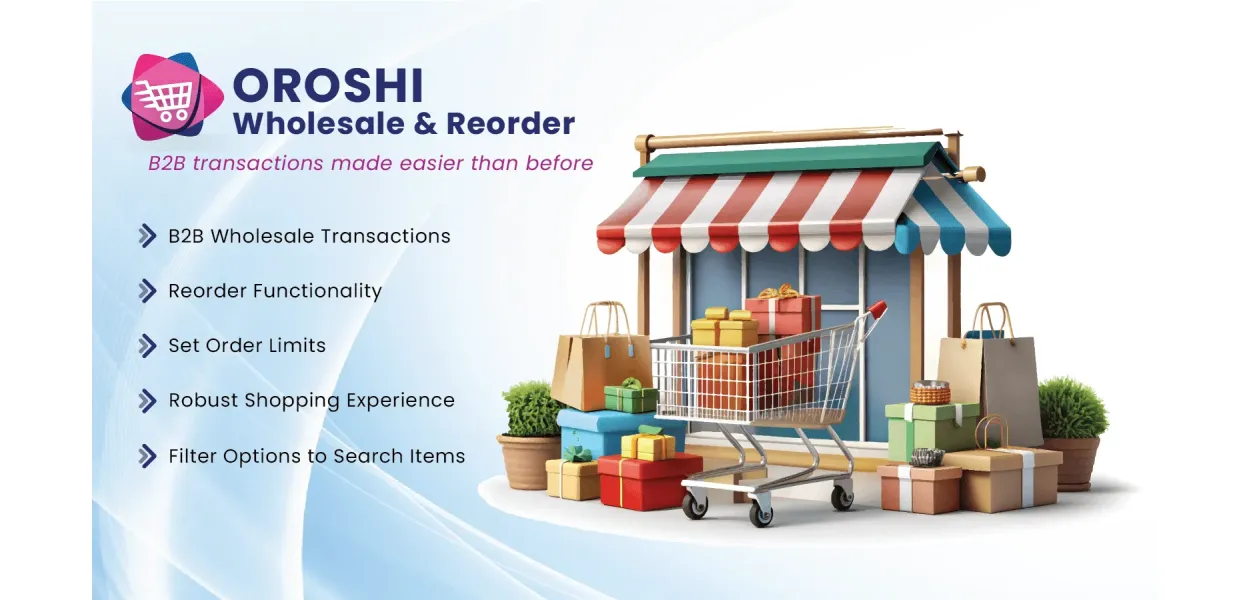
Make Wholesale Ordering Faster & Simpler
Give wholesale buyers a smarter way to shop with OROSHI Wholesale Reorder. Let customers order multiple products from one page, repeat previous purchases with a click, and manage product quantity limits for a smoother B2B experience.
Wholesale Ordering Shouldn't Be Complicated
When customers regularly purchase multiple products, every extra step adds friction. Make buying easier for your wholesale accounts and repeat customers.
Too Many Product Pages
Browsing products individually can slow down buyers who need to purchase several items in one order.
Repetitive Reordering
Returning customers shouldn't have to rebuild the same shopping list every time they need to restock.
Quantity Management
Wholesale purchases need clear quantity rules to help merchants manage order sizes and product availability.
Everything You Need for Wholesale Reordering
Bring bulk purchasing, repeat orders, product discovery, and quantity controls together in one convenient Shopify ordering experience.
Single-Page Quick Order Form
Allow customers to browse multiple products and add their required quantities without visiting each product page individually.
One-Click Reordering
Make repeat purchasing more convenient by allowing returning customers to reorder products from their previous purchases.
Minimum & Maximum Quantities
Configure product quantity limits to help manage wholesale order sizes and reduce orders that exceed your chosen limits.
Product Search & Filters
Help buyers find the products they need more quickly with product discovery tools, including search, filtering, and sorting.
Product Details at a Glance
Show product variants, pricing, stock information, thumbnails, and descriptions to help buyers identify the right items.
Responsive Ordering Experience
Provide a convenient ordering interface for wholesale customers using desktop computers, tablets, and mobile devices.
Give Your Wholesale Customers a Better Way to Buy
OROSHI is designed for Shopify merchants who serve wholesale accounts, business buyers, retailers, or customers who regularly replenish the same products.
-
✓
For wholesale buyersPlace multi-product orders with fewer navigation steps.
-
✓
For repeat customersReturn to previous purchases for a more convenient reorder process.
-
✓
For store administratorsSet product quantity limits to support more consistent order management.
Less Repetitive Shopping. More Convenient Reordering.
Simplify routine purchasing for customers who already know what they need. A focused order form makes it easier to select products, adjust quantities, and move through the buying process.
- ✓Reduce unnecessary product-page navigation
- ✓Make repeat purchases more convenient
- ✓Set quantity boundaries for selected products
- ✓Help customers locate items using search and filters
How OROSHI Wholesale Reorder Works
Make the routine ordering journey more straightforward for customers and easier to manage for your store.
Set Up Your Ordering Experience
Install OROSHI and configure the wholesale order form and available quantity rules to suit your store's requirements.
Let Customers Order in Bulk
Customers use the quick order form to find products, choose quantities, and add multiple items to their cart.
Make Repeat Orders Easier
Returning buyers can use the reorder functionality to purchase products from previous orders more conveniently.
Designed Around the Needs of B2B Commerce
Make everyday wholesale purchasing more convenient without adding unnecessary complexity to the customer journey.
Save Shopping Time
Let buyers select multiple products from one place instead of repeatedly opening individual product pages.
Encourage Convenient Repeat Orders
Make it easier for returning customers to replenish products they have already purchased.
Support Quantity Rules
Apply minimum and maximum product quantities to better align orders with your wholesale policies.
Improve Product Discovery
Search, filtering, and sorting help customers navigate product selections more efficiently.
Present Product Information Clearly
Help customers make informed selections with product details, variants, pricing, and stock information.
Support Your B2B Workflow
Give your wholesale and repeat buyers an ordering experience tailored to recurring purchasing needs.
OROSHI Wholesale Reorder FAQs
Learn how OROSHI can support bulk orders and repeat purchases in your Shopify store.
What is OROSHI Wholesale Reorder?
OROSHI Wholesale Reorder is a Shopify app by MageComp that helps simplify B2B purchasing through a single-page order form, bulk product selection, repeat ordering, and product quantity controls.
Can customers order multiple products from one page?
Yes. The quick order form allows customers to select multiple products and their required quantities without having to navigate to every individual product page.
Does OROSHI support repeat purchases?
Yes. Customers can use the one-click reorder functionality to make repeat purchases from previous orders more convenient.
Can I set minimum and maximum product quantities?
Yes. OROSHI supports minimum and maximum product quantity limits to help merchants manage wholesale order sizes. Configure the limits according to the options available in the app.
Can customers search and filter products?
Yes. Product search, filtering, and sorting options help customers find specific items in the available product selection.
Does the app show product details on the order form?
The app supports product information such as variants, pricing, stock information, thumbnails, and descriptions to help customers select the appropriate items.
Who can benefit from OROSHI Wholesale Reorder?
Shopify merchants serving wholesale buyers, business customers, retailers, and repeat purchasers can benefit from a more convenient bulk-ordering and reordering process.
How can I install OROSHI on Shopify?
Visit the official Shopify App Store listing, review the app details and compatibility requirements, and follow Shopify's installation process.
Make Every Wholesale Order Easier to Place
Give customers a convenient way to buy in bulk and repeat previous purchases. Explore OROSHI Wholesale Reorder by MageComp for your Shopify store.
Get Started with OROSHI →Developed by MageComp for Shopify merchants.
Problem
Handling wholesale and repeat orders in the standard Shopify environment can be slow and cumbersome for both store admins and B2B customers. Merchants often run into issues where customers abandon their orders because it's seen as a monumental task to visit multiple product pages for bulk orders.
For returning customers or repeat buyers, not having the same day reorder feature can be frustrating when they really just want to get their products and check out. Store owners also deal with issues related to inventory Management when bulk buyers go over his/her limit for orders. This creates stock discrepancies.
These operational bottlenecks not only choke customer satisfaction but also affect the overall conversion rate and revenue from your store. As wholesale grows, businesses are seeking a better approach to manage high-volume orders and create a better experience for reordering.
Solution
The OROSHI Wholesale Reorder App for Shopify was designed specifically to eliminate the friction of B2B purchasing and bulk ordering. With a simple one-page order form, customers can add multiple products to their cart at the same time, taking away the need to hunt through each product page. In addition, when ordering again, the app has a one-click reorder feature that will duplicate previous purchases instantly, saving time and encouraging brand loyalty.
When used by admins, they take back a measure of control over inventory by putting quantity limit settings, easily stopping stock from dwindling with unexpectedly large orders. Customers will have advanced filtering and sorting tools to assist them in locating specific products faster, while stock levels and pricing are always visible, eliminating guesswork. The app is designed to be responsive and is tested to work across devices flawlessly with seamless integration with any Shopify theme.
OROSHI will not only create a faster and more efficient ordering process for its customers, but it will also create more repeat purchases by customers, higher average order value, and save store owners tedious backend time management. It is a must-have for any Shopify merchant that is looking to sell to wholesale clients or frequent repeat buyers.
Advantages of OROSHI Wholesale Reorder
- Easily eliminate the tedious process of visiting individual product pages. Customers can add multiple products with their desired quantities directly from a single page, drastically reducing order placement time.
- The amazing one-click reorder functionality makes it incredibly easy for returning customers to place the same orders again. This convenience increases repeat sales over time.
- Admins can set maximum quantity limits per product, helping prevent stockouts due to over-ordering and allowing better allocation of limited inventory across multiple customers.
- By automating and simplifying the wholesale and reorder process, store admins spend less time manually managing large orders or responding to B2B customer support queries.
- The simplicity and convenience of bulk ordering often lead to increased cart sizes, boosting average order value and overall revenue without extra marketing efforts.
Why Choose OROSHI Wholesale Reorder App
- Admins can set product limits using customer tags, logged-in customers, or all customers. This streamlines the ordering process, especially for the stores with large catalogs.
- Customers can access and reorder from their purchase history with one click. This feature simplifies repeat purchases and ensures order accuracy based on past preferences.
- Admins can define both minimum and maximum order quantities per product. This helps maintain order balance, especially when catering to multiple wholesale clients simultaneously.
- Admins can assign priority-based order restrictions for specific customers or product groups. This ensures that high-value or long-term clients receive preferential order quantities during limited stock situations.
| Product Count | 20 |
|---|