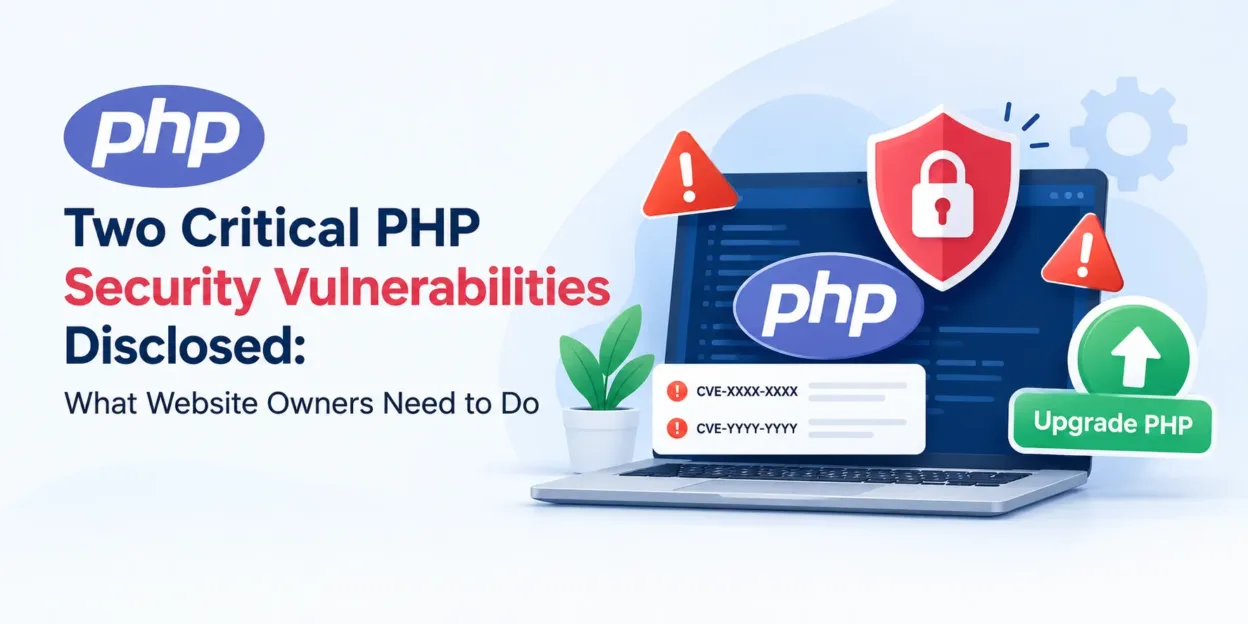
On October 21, 2026, the PHP development team released security updates for two critical vulnerabilities, CVE-2026-109618 and CVE-2026-109619.
PHP powers a significant part of the web, including ecommerce stores, content management systems, and business applications. However, two critical PHP security vulnerabilities disclosed on October 21, 2026, have made it essential for website owners and administrators to review their server configurations and apply the appropriate security updates.
The PHP development team has released security updates to address CVE-2026-109618 and CVE-2026-109619, two vulnerabilities that can allow unauthenticated remote code execution under certain conditions. If exploited, these vulnerabilities could put website data, server resources, and business operations at risk.
If your website runs PHP, now is the time to check your PHP version and confirm that the appropriate security fixes have been applied.

What Are the Latest PHP Security Vulnerabilities?
On October 21, 2026, the PHP development team released security updates for multiple supported PHP branches to address two critical vulnerabilities.
The vulnerabilities are identified as:
- CVE-2026-109618: A vulnerability involving out-of-memory (OOM) corruption.
- CVE-2026-109619: A vulnerability involving stale global state.
Under certain conditions, these flaws can allow an unauthenticated attacker to execute code on a vulnerable server. Remote code execution is particularly serious because it may allow an attacker to run commands or malicious code without first obtaining a legitimate account.
The PHP security team has strongly recommended updating to the patched releases and states that there are no complete mitigations that replace applying the security updates.
Which PHP Versions Are Affected?
The October 21 security release covers the following PHP branches:
| PHP Branch | Security-Fixed Version |
| PHP 8.5 | 8.5.12 |
| PHP 8.4 | 8.4.27 |
| PHP 8.3 | 8.3.36 |
| PHP 8.2 | 8.2.35 |
If your website runs one of these branches, verify that the installed runtime includes the relevant fixes. Older versions and other deployment configurations should also be reviewed with your hosting provider or system administrator.
Important: PHP 8.2 reaches end of life on December 31, 2026. Although PHP 8.2.35 includes the fixes for these vulnerabilities, website owners should also plan a migration to a PHP branch that remains supported.
For the latest technical information and release details, consult the official PHP security announcement.
Why Should Website Owners Take This Security Alert Seriously?
A vulnerable PHP runtime can expose a website to risks beyond a temporary service interruption. The actual impact depends on the server configuration, application architecture, permissions, and whether an attacker can successfully exploit the vulnerability.
Potential consequences include:
1. Unauthorized Code Execution
Remote code execution can allow an attacker to run malicious code on a vulnerable server. Depending on the environment, this could lead to further compromise of the application or its underlying infrastructure.
2. Exposure of Website and Business Data
If an attacker gains access to sensitive application resources, customer information, business data, or other confidential information could be at risk.
3. Ecommerce Website Disruption
For online stores, security incidents can interrupt checkout, order processing, customer account access, and other essential operations. Even temporary downtime can affect sales and customer confidence.
4. Further Server Compromise
A successful attack may provide an opportunity to attempt additional malicious activities, depending on the attacker’s access and the server’s security controls.
5. Recovery Costs and Reputational Damage
Investigating a compromise, restoring affected systems, checking backups, and rebuilding customer trust can require significant time and resources.
These are potential consequences of successful exploitation, not evidence that every PHP website has already been compromised.
How to Check and Patch Your PHP Website
Website owners should treat this as a priority security maintenance task. Follow these steps to assess your environment and apply the appropriate update.
Step 1: Identify Your Installed PHP Version
Start by identifying the PHP version your website actually uses.
If you have server access, you can run the following command in the relevant environment:
php -vThis displays the PHP version associated with that command-line executable. However, a website may use a different PHP runtime through PHP-FPM, Apache, LiteSpeed, a container, or another hosting configuration.
Confirm the version serving web requests instead of relying solely on the command-line output.
If you use managed hosting, contact your hosting provider and ask which PHP runtime your website uses and whether the security fixes have been applied.
Step 2: Confirm Whether the Security Fix Is Applied
Compare the installed version with the official fixed releases listed above.
Do not assume that your website is protected simply because it runs a relatively recent PHP version. The exact patch level and any vendor-provided security backports must be verified.
If you are unsure whether your hosting provider has applied the fix, request confirmation before considering the issue resolved.
Step 3: Back Up Your Website
Before changing the PHP runtime or server packages, create a verified backup of your website files, database, and relevant configuration.
For ecommerce websites, also consider recent orders and other business-critical data. Confirm that the backup can be restored and establish a rollback plan appropriate to your hosting environment.
Step 4: Apply the Appropriate Security Update
Update PHP to the corresponding fixed release or install the security update supplied by your operating system or hosting provider.
The procedure depends on your server environment. It may involve updating system packages, changing the selected PHP version in a hosting panel, rebuilding a container image, or coordinating with a managed hosting provider.
Avoid changing PHP versions blindly. Confirm that the selected version is compatible with your application, extensions, themes, and dependencies.
Step 5: Restart or Reload the Relevant Services
After applying the update, ensure the affected PHP runtime and related services are using the patched binaries. Depending on your environment, this may require restarting or reloading PHP-FPM, a web server, or a container.
Follow the instructions for your specific platform and deployment process.
Step 6: Test Your Website
After patching, test the important parts of your website to confirm that everything works as expected.
For ecommerce websites, check:
- Homepage and category pages
- Product pages and search
- Customer registration and login
- Shopping cart and checkout
- Payment and shipping integrations
- Order placement and order confirmation
- Admin panel and essential background jobs
Review application logs and server error logs for unexpected issues. Confirm that the web-facing PHP runtime is running the intended patched release.
Step 7: Review Security and Monitoring
Patching addresses the known vulnerabilities, but it does not establish that a website has never been compromised.
Review relevant logs for suspicious activity, investigate unexpected file or configuration changes, and check for unfamiliar processes or accounts where appropriate. If you suspect exploitation, follow an incident-response process rather than treating a version update as a complete cleanup.
How MageComp Can Help You Patch Your Website
Applying a security patch involves more than installing a newer version of PHP. You also need to confirm the affected runtime, select a compatible update, implement the change safely, and verify that the website continues to function correctly.
MageComp can help you with your website patching requirements. If you need assistance, our team can help assess your website environment, identify the appropriate update path, coordinate the patching process, and test critical functionality after the change.
Our approach can include:
- PHP version and environment assessment
- Security patch planning and implementation assistance
- Compatibility checks for supported application components
- Post-update website and functionality testing
- Guidance on further security maintenance
The exact scope depends on your website, hosting access, platform, and support requirements.

Don’t leave a critical security update until later.
Contact MageComp if you need help checking your PHP version or patching your website.
Final Thoughts
The October 2026 PHP security releases highlight the importance of keeping server software updated. Critical vulnerabilities can affect the security and reliability of websites, including ecommerce stores that depend on PHP for everyday operations.
Check your installed PHP version, verify that the relevant security fixes are applied, and test your website after patching. If you need assistance, MageComp can help you plan and implement the appropriate website patching process.
Need help patching your website? Contact MageComp to get started.
FAQ
1. What are CVE-2026-109618 and CVE-2026-109619?
They are two critical PHP security vulnerabilities addressed by the PHP security releases published on October 21, 2026. Under certain conditions, they can allow unauthenticated remote code execution.
2. Which PHP versions contain the security fixes?
The official fixed releases are PHP 8.5.12, 8.4.27, 8.3.36, and 8.2.35. Contact MageComp to confirm the appropriate update for your environment.
3. Is updating PHP enough to secure my website?
Updating to the appropriate fixed release addresses these specific vulnerabilities, but it does not replace general website security practices or establish that no previous compromise occurred. Review logs and investigate suspicious activity when warranted.
4. Can I update PHP without breaking my website?
A properly planned update can reduce compatibility risks, but problems are possible if the selected PHP version is incompatible with your application, extensions, or hosting configuration. Back up your website, check compatibility, and test critical functionality after the update.
5. What should I do if I cannot update PHP myself?
Contact your hosting provider or a qualified website maintenance team. MageComp can help you assess your website and discuss the appropriate patching approach for your environment.