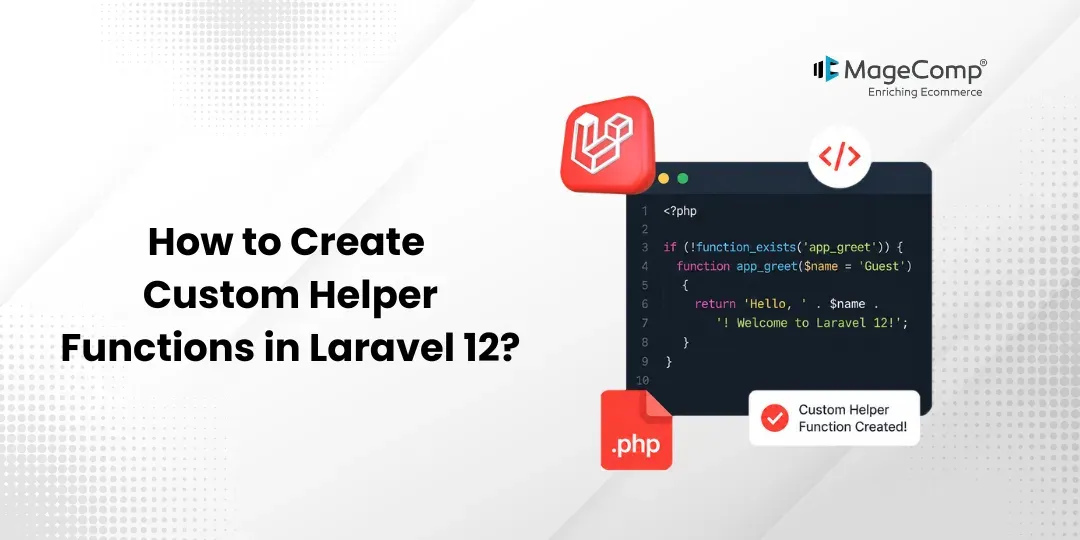
Some of the pre-defined helper functions provided by Laravel include the ability to work on arrays, strings, URLs, routes, and path-related operations. In some scenarios, you may require custom functions depending on the situation that would be easier for your application.
In such circumstances, Laravel offers you the ability to develop your own functions, which can be used anywhere in your Laravel application, such as controllers, models, services, and views.

This tutorial tries to take you through the steps of developing custom helper functions in Laravel 12 with an example.
Why Use Custom Helper Functions?
Creating custom helper functions enables one to:
- Avoid duplicating code
- Keep one’s application neat and organized
- Create reusable utility functions
- Get quick access to commonly used functions in various parts of the application
Formatting dates, currency, strings, and any other business logic would make great helper functions.
Step 1: Install Laravel 12
If you haven’t created a Laravel 12 project yet, run the following command:
laravel new example-appMove into your project directory:
cd example-appStep 2: Create a Custom Helper File
Create a new directory named Helpers inside the app folder and then create a file named helpers.php.
app/Helpers/helpers.php
Add the following code:
<?php

use Carbon\Carbon;

if (!function_exists('convertYmdToMdy')) {
    /**
     * Convert Y-m-d date format to m-d-Y.
     */

    function convertYmdToMdy($date)
    {
        return Carbon::createFromFormat('Y-m-d', $date)
            ->format('m-d-Y');
    }
}

if (!function_exists('convertMdyToYmd')) {
    /**
     * Convert m-d-Y date format to Y-m-d.
     */

    function convertMdyToYmd($date)
    {
        return Carbon::createFromFormat('m-d-Y', $date)
            ->format('Y-m-d');
    }
}
Explanation
We created two helper functions:
- convertYmdToMdy() – This function converts a date in Y-m-d format to m-d-Y format.
- convertMdyToYmd() – This function converts a date in m-d-Y format to Y-m-d format.
The function_exists() check prevents function redeclaration errors.
Step 3: Register the Helper File in Composer
Laravel does not automatically load custom helper files. Therefore, we need to register the helper file in the Composer autoload configuration.
Open the composer.json file and update the autoload section:
{
    "autoload": {
        "psr-4": {
            "App\\": "app/",
            "Database\\Factories\\": "database/factories/",
            "Database\\Seeders\\": "database/seeders/"
        },
        "files": [
            "app/Helpers/helpers.php"
        ]
    }
}
After saving the file, run the following command:
composer dump-autoloadThis command regenerates Composer’s autoload files and makes the helper functions available throughout the application.
Step 4: Create a Test Route
Open the routes/web.php file and add the following route:
<?php

use Illuminate\Support\Facades\Route;

Route::get('/call-helper', function () {
    $mdY = convertYmdToMdy('2022-02-12');
    $ymd = convertMdyToYmd('02-12-2022');
    return [
        'Converted into MDY' => $mdY,
        'Converted into YMD' => $ymd,
    ];
});
Step 5: Run the Laravel Application
Start the development server:
php artisan serveNow open the following URL in your browser:
http://localhost:8000/call-helper
Output:
Converted into MDY: 02-12-2022
Converted into YMD: 2022-02-12
Using Helper Functions in Blade Templates
Once the helper file is registered, you can directly use the functions inside Blade views.
<p>Date: {{ convertYmdToMdy(‘2022-02-12’) }}</p>
<p>Date: {{ convertMdyToYmd(’02-12-2022′) }}</p>
Output:
Date: 02-12-2022
Date: 2022-02-12
Best Practices of Using Helper Functions in Laravel
- Make sure your helper functions remain small and simple.
- Give your helper functions meaningful names.
- Wrap all of your helper functions in function_exists().
- If your code becomes big enough, try putting related helpers in separate files.
- Do not implement any business logic within helper functions.
Conclusion
Making your own helper functions in Laravel 12 is a very simple but effective way to make your code reusable in your app. All that needs to be done is creating a helper file, registering it via Composer, then performing an auto-load. Once all is done, you can start using your helper functions anywhere in Laravel.
Regardless of whether one needs to format dates, currency, strings, or any other functionality, helper functions are always helpful while working with Laravel.

FAQ
1. What is a helper function in Laravel?
It is a type of reusable function that does not necessitate instantiation of a certain class for use.
2. What are the advantages of custom helper functions?
These functions help in reducing code repetition, increasing readability, and helping to write all your logic in one place.
3. Is it possible to use a helper function in controllers and views?
Yes, once you configure your helper properly, you will be able to use it everywhere in your Laravel application – including the controllers, Blade views, middleware, routing, and other places.