

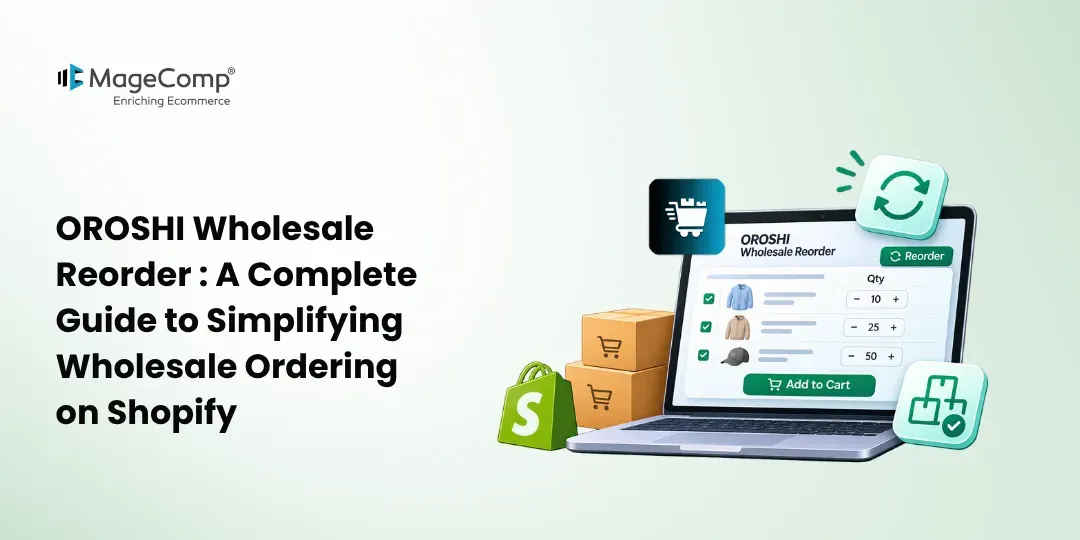
Managing wholesale orders on Shopify can become challenging when customers need to purchase multiple products in large quantities. Visiting individual product pages, selecting quantities, and adding products separately makes the ordering process time-consuming.
The same applies to repeat purchases, where customers often need to buy the same products regularly.
OROSHI Wholesale Reorder by MageComp simplifies this process with a dedicated quick order form and convenient reorder functionality. It helps Shopify merchants provide a smoother purchasing experience for wholesale and B2B customers.
Let’s explore how the app works and how it can improve your wholesale ordering process.

What Is OROSHI Wholesale Reorder?
OROSHI Wholesale Reorder is a Shopify app designed to simplify bulk purchases and repeat ordering. It provides a dedicated quick order page where customers can browse multiple products, select quantities, and add items to their cart from one place.
Customers can also reorder previously purchased products without manually searching for each item.
It is a useful solution for wholesale stores, distributors, and Shopify merchants serving regular B2B buyers.
Key Features of OROSHI Wholesale Reorder
1. One-Page Quick Order Form
Allow customers to browse multiple products, select quantities, and add items to their cart from a single page without visiting individual product pages.
2. One-Click Reordering
Make repeat purchases easier by allowing customers to reorder previously purchased products with a single click.
3. Minimum and Maximum Quantity Limits
Set minimum and maximum purchase quantities for individual products to maintain better control over wholesale orders.
4. Product Filtering and Sorting
Help customers find products quickly using filtering and sorting options, making bulk ordering easier even with large product catalogues.
How to Set Up OROSHI Wholesale Reorder on Shopify
Follow these steps to get started:
Step 1: Install the App
Visit the OROSHI Wholesale Reorder Shopify App from the Shopify App Store listing, click Install, select your Shopify store, and approve the requested permissions.
Step 2: Configure Quantity Limits
Set minimum and maximum purchase quantities for products according to your wholesale business requirements.
Step 3: Set Up the Quick Order Form
Prepare the wholesale ordering page so customers can browse products and select their required quantities from one place.
Step 4: Enable Bulk and Repeat Ordering
Allow customers to use the quick order form for bulk purchases and the reorder functionality for convenient repeat purchases.
Conclusion
A smooth wholesale ordering process can improve customer convenience and encourage repeat purchases. With OROSHI Wholesale Reorder by MageComp, Shopify merchants can simplify bulk ordering, make repeat purchases easier, and manage product quantity limits.
Ready to improve your Shopify wholesale ordering experience? Install OROSHI Wholesale Reorder and make bulk purchasing simpler for your customers.

FAQ
1. What is OROSHI Wholesale Reorder?
OROSHI is a Shopify app that simplifies wholesale ordering through a one-page quick order form and one-click reordering.
2. Can customers order multiple products at once?
Yes. Customers can select multiple products and quantities from the quick order form.
3. Does OROSHI support repeat orders?
Yes. Customers can reorder previously purchased products with a single click.
4. Can I set minimum and maximum product quantities?
Yes. Merchants can configure minimum and maximum quantity limits for individual products.
5. Who should use OROSHI Wholesale Reorder?
It is suitable for Shopify wholesale stores, distributors, retailers, and businesses serving regular B2B customers.