A captcha solving service that responds in one second sounds impressive. But what if its answer is wrong?
For developers working with web scraping, browser automation, and eCommerce data collection, response time is only part of the equation. An incorrect solution can trigger another request, interrupt a browser session, or force an automated workflow to start over.
This raises an important question: Should you choose a captcha solver based on how quickly it responds or how often it returns the correct answer?
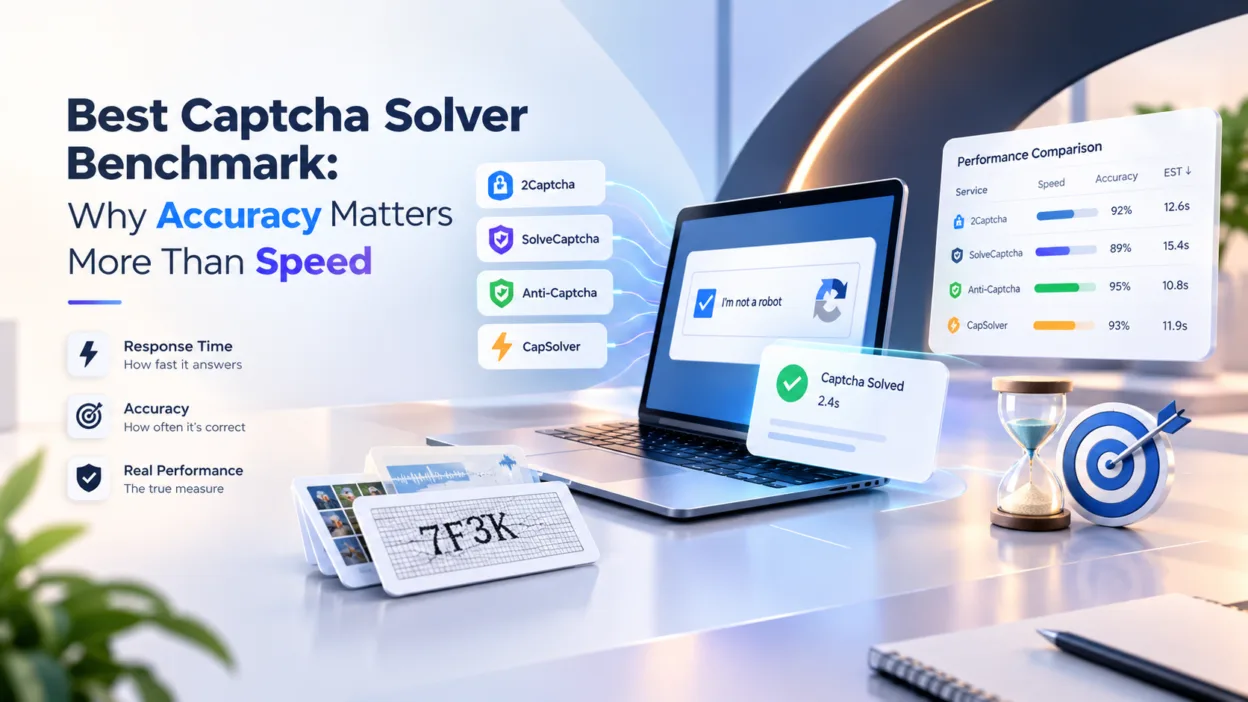
A recent captcha solver benchmark by MegaIndex examines this question by comparing four captcha solving services across seven captcha types. The research introduces Effective Solving Time (EST), a calculated metric that combines speed and accuracy to estimate the time required to obtain a correct solution.
Let’s examine the findings and what they mean for developers building automated workflows.
Why captcha solving performance matters in eCommerce
Online stores rely on automation for a wide range of tasks, from monitoring product availability to testing checkout flows.
Magento and Adobe Commerce developers, for example, may use browser automation to verify storefront functionality, test integrations, or collect publicly available product information.
These tasks often involve tools such as Playwright, Selenium, and custom Python scripts.
However, automated interactions can encounter verification challenges, including reCAPTCHA, Cloudflare Turnstile, and Amazon WAF captcha.
When a captcha interrupts a workflow, the application must complete the verification before proceeding.
A failed attempt can introduce several additional operations:
- Submitting another captcha solving request.
- Waiting for the next answer.
- Repeating the browser interaction.
- Recovering an expired session.
- Reloading the affected page.
For an individual task, an additional 10 or 20 seconds might seem insignificant. Across hundreds or thousands of interactions, repeated failures can substantially increase processing time.
This is why captcha solving efficiency should be measured by successful outcomes rather than API response time alone.
How MegaIndex measured captcha solving efficiency
The research compared four services:
- 2Captcha — a captcha solving service with API integration and support for multiple verification types.
- SolveCaptcha — a captcha solving service offering automated recognition through an API.
- Anti-Captcha — a captcha solving service supporting various verification challenges.
- CapSolver — an automated captcha solving service.
The benchmark evaluated three performance metrics.
| Metric | Description |
| Average solving time | How long the service takes to return an answer |
| Response rate | Percentage of requests that receive an answer |
| Accuracy | Percentage of returned answers that are correct |
These measurements reveal different aspects of performance.
For example, a service with a 100% response rate might still produce incorrect answers. Likewise, a service with 100% accuracy among returned answers might fail to respond to some requests.
To account for these differences, the research uses a calculated metric called Effective Solving Time.
What is Effective Solving Time?
Effective Solving Time (EST) estimates the amount of time required to obtain one correct captcha solution.
The formula is:
EST = T / (R × A)
Where:
- T = average solving time in seconds.
- R = response rate expressed as a decimal.
- A = accuracy expressed as a decimal.
Consider a service that returns answers in 13 seconds, responds to 98% of submitted requests, and achieves 59% accuracy.
First, calculate the probability of receiving a correct answer:
P = 0.98 × 0.59 = 0.5782
Then calculate Effective Solving Time:
EST = 13 / 0.5782 = 22.48 seconds
Although the average response arrives after 13 seconds, the estimated time per correct solution is 22.48 seconds.
The difference reflects the additional attempts required when requests fail or return incorrect answers.
EST is a comparative estimate rather than a guaranteed completion time. The calculation assumes independent attempts with consistent success probabilities and comparable time costs. Actual browser automation performance also depends on network latency, timeouts, retries, and session recovery.
Captcha solver benchmark results
MegaIndex compared the services across seven captcha types.
The following table summarizes their calculated Effective Solving Time.
| Captcha type | 2Captcha | SolveCaptcha | Anti-Captcha | CapSolver |
| Image captcha | 22.48 s | 24.18 s | 22.45 s | 68.42 s |
| reCAPTCHA v2 Easy | 41 s | 38 s | 63 s | 41 s |
| reCAPTCHA v3 | 4.72 s | 5.80 s | 18.89 s | 6 s |
| Cloudflare Turnstile | 8.01 s | 7.87 s | 28 s | 10 s |
| Arkose Labs | 18.37 s | 20 s | 83 s | N/A |
| GeeTest v3 | 20.78 s | 19.21 s | 67.34 s | — |
| Amazon WAF | 33.67 s | 33.67 s | 64 s | 64 s |
N/A indicates that no correct solutions were observed, making a finite EST impossible to calculate. A dash indicates unavailable benchmark data.
The research does not specify the number of requests per test. These figures describe the observed sample and should not be interpreted as guaranteed performance under other workloads.
Several findings deserve closer attention.
1. A fast answer isn’t necessarily a correct answer
The Arkose Labs results illustrate this particularly clearly.
CapSolver returned answers in just 0.51 seconds on average. However, its accuracy in the observed sample was 0%.
By comparison, 2Captcha averaged 18 seconds per response with 100% accuracy, while SolveCaptcha averaged 20 seconds with 100% accuracy.
This doesn’t establish that CapSolver can never solve an Arkose Labs challenge. It means that the tested sample contained no successful results.
For developers, the distinction matters: a completed API request is not the same as a successfully completed verification.
2. Small differences in speed can hide significant differences in accuracy
The Amazon WAF results provide another example.
| Service | Average response time | Accuracy |
| 2Captcha | 33 s | 100% |
| SolveCaptcha | 33 s | 100% |
| Anti-Captcha | 32 s | 50% |
| CapSolver | 32 s | 50% |
Anti-Captcha and CapSolver returned answers one second faster.
However, their lower accuracy increased the estimated time per correct solution to 64 seconds, compared with 33.67 seconds for 2Captcha and SolveCaptcha.
This distinction becomes especially important when automating repetitive tasks where failed verifications require additional browser interactions.
3. Performance changes depending on the captcha type
No single response-time figure accurately represents performance across every verification system.
In the reCAPTCHA v2 Easy test, all four services achieved 100% accuracy. SolveCaptcha averaged 38 seconds, while 2Captcha and CapSolver averaged 41 seconds.
For reCAPTCHA v3, 2Captcha recorded an EST of 4.72 seconds, followed by SolveCaptcha at 5.80 seconds and CapSolver at 6 seconds.
Cloudflare Turnstile produced another distribution, with SolveCaptcha recording 7.87 seconds and 2Captcha 8.01 seconds.
The practical implication is straightforward: developers should compare services using the captcha types their applications actually encounter.
What developers should consider when choosing a captcha solver
The MegaIndex benchmark provides useful comparative data, but selecting a service for an eCommerce automation project requires additional considerations.
Match the service to the verification system
Different websites implement different verification technologies.
A workflow dealing primarily with reCAPTCHA v3 has different requirements from one encountering image recognition challenges or Amazon WAF.
Compare results for the relevant captcha type rather than relying on an overall average across unrelated challenges.
Measure successful browser interactions
API response time is useful, but the more meaningful measurement is the time between encountering a captcha and successfully continuing the workflow.
For example, a browser automation script may receive a correct token but still fail if the session expires before the application completes verification.
Monitoring the entire process helps identify these additional delays.
Consider API and SDK availability
For developers building automated workflows, integration options matter alongside solving performance.
2Captcha provides API access and developer libraries, including an open-source SDK on GitHub.
The repository contains examples covering reCAPTCHA, Cloudflare Turnstile, GeeTest, Amazon WAF, and other verification types, along with asynchronous operations and error handling.
Using an existing SDK can simplify integration into Python-based automation projects.
Test with your own workload
Published benchmarks provide a starting point, but results can differ depending on the target website, challenge difficulty, network conditions, and browser configuration.
A representative test should record submitted requests, returned answers, successful verifications, and total processing time.
These measurements can then be used to calculate EST for the specific application.
Final thoughts
The MegaIndex research highlights an important distinction in captcha solving performance: receiving an answer quickly is not the same as obtaining a correct solution efficiently.
Across the seven captcha types examined, the results varied substantially between services.
2Captcha and SolveCaptcha demonstrated comparable effective solving times in several categories, including Amazon WAF and Cloudflare Turnstile. The tests also showed how services with shorter response times could require significantly more time per correct solution when accuracy declined.
For Magento developers, eCommerce businesses, and teams building automated workflows, the practical lesson is to measure complete, successful interactions rather than isolated API responses.
A reliable automation process depends not simply on how quickly a service answers, but on how efficiently the entire workflow reaches its intended result.