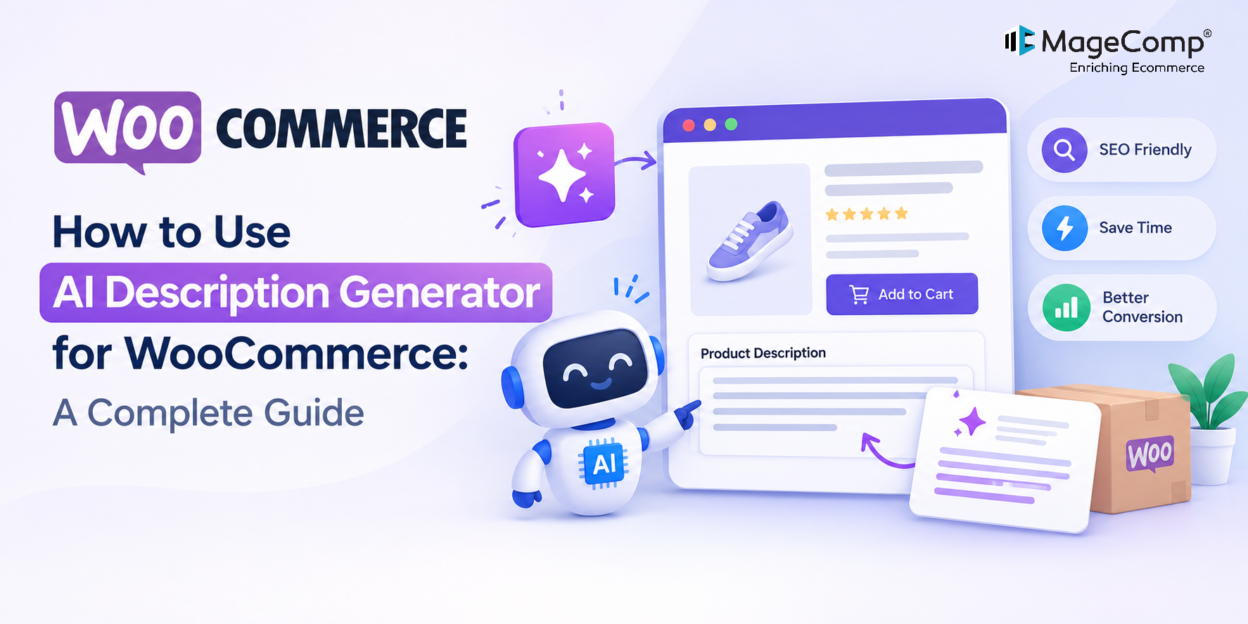
Writing unique, engaging product descriptions for an online store can be challenging, especially when your WooCommerce catalog contains hundreds or thousands of products. Creating descriptions for product categories, tags, and brands adds even more work to the content management process.
The AI Description Generator with WooCommerce PRO by MageComp helps simplify this task by using OpenAI’s ChatGPT API to generate descriptions based on your content requirements. You can configure the AI model, choose a language, control content length, and generate descriptions individually or in bulk.
In this guide, we’ll explain how to set up the plugin, configure its AI settings, generate descriptions, and use its PRO features to manage WooCommerce content more efficiently.
What Is AI Description Generator with WooCommerce PRO?
AI Description Generator with WooCommerce PRO is a WooCommerce plugin that automates the creation of descriptions for different types of store content. It connects your WordPress website to the OpenAI API, allowing you to generate content directly from your store’s administration panel.
Instead of manually writing every description, you can use the plugin to create an initial draft and refine it before publishing.
The plugin supports four main content types:
- Product descriptions: Explain product features, benefits, and uses.
- Category descriptions: Introduce product categories and help customers understand what they contain.
- Product tag descriptions: Create supporting content for product tag pages.
- Brand descriptions: Describe brands represented in your WooCommerce store.
The PRO version also offers personalized product recommendations on the WooCommerce Thank You page, API usage tracking, detailed API logs, and additional recommendation display controls.
Key Features of AI Description Generator with WooCommerce PRO
Before setting up the plugin, let’s explore its main features.
1. OpenAI API Integration
Connect the plugin to your OpenAI account using an API key. This integration enables the plugin to send your content prompts to the selected AI model and receive generated descriptions.
2. AI Model Selection
Choose an available ChatGPT model according to your content requirements, response quality preferences, and API pricing considerations.
3. Adjustable Creativity
Use the temperature setting to influence the creativity and style of generated content. Lower settings generally encourage more predictable responses, while higher settings can produce more varied wording.
4. Multilingual Content Generation
Generate descriptions in your preferred language to support multilingual stores and customers in different markets.
5. Custom Content Length
Set a content length limit according to your requirements. This helps you create concise summaries or more detailed descriptions.
6. Individual and Bulk Generation
Generate a description for a specific product or process multiple selected products or categories together. Bulk generation is particularly useful for stores with large catalogs.
7. Personalized Product Recommendations (PRO)
Display personalized product suggestions on the WooCommerce Thank You page. You can configure the number of recommendations and customize their title and display template.
8. API Usage Tracking and Logs (PRO)
Monitor token usage and review API activity to better understand generation costs and troubleshoot unsuccessful requests.
How to Set Up AI Description Generator for WooCommerce
Follow these steps to start generating descriptions for your store.
Step 1: Install the Plugin
Download the plugin from MageComp’s official website. In your WordPress dashboard, navigate to Plugins → Add New Plugin → Upload Plugin, upload the ZIP file, and activate it.
Ensure WooCommerce is installed and activated before proceeding.
Step 2: Configure the OpenAI API Key
Create an API key through your OpenAI platform account and enter it in the plugin’s settings. Save the configuration and verify that the plugin can access the selected AI model.
Note: OpenAI API usage may incur separate charges and is not automatically included with a ChatGPT subscription.
Step 3: Configure Generation Settings
Choose an available AI model, set the desired language, adjust the temperature, and configure the content length. These settings help you tailor the generated descriptions to your store’s needs.
Save your settings before generating content.
Step 4: Generate Product Descriptions
Navigate to Products → All Products and open a product. Use the plugin’s description generation option to create content, review the result, and update the product after making any necessary corrections.
You can also use the available bulk generation functionality to process multiple selected items. Depending on the plugin configuration, descriptions can also be generated for categories, tags, and brands.
Step 5: Configure PRO Features
Use the PRO settings to configure personalized product recommendations on the WooCommerce Thank You page. Customize the recommendation heading, product count, and available display template.
You can also review API usage and logs to monitor generation activity and investigate errors.
Conclusion
MageComp’s AI Description Generator with WooCommerce PRO helps store owners simplify product content creation through AI-powered and bulk description generation. With configurable output settings, product recommendations, and API usage monitoring, it can make WooCommerce catalog management more efficient.
Get started with the AI Description Generator for WooCommerce and make product content creation easier for your online store.
FAQ
1. What is AI Description Generator with WooCommerce PRO?
It is a WooCommerce plugin by MageComp that uses OpenAI to generate descriptions for products, categories, tags, and brands.
2. Can I generate descriptions in bulk?
Yes, the plugin supports bulk description generation for selected items, helping reduce manual content creation.
3. Can I customize the generated descriptions?
Yes, you can configure available settings such as the AI model, language, creativity, and content length.
4. Does the plugin support product recommendations?
Yes, the PRO version includes personalized product recommendations for the WooCommerce Thank You page.
5. Do I need an OpenAI API key?
Yes, you need an OpenAI API key to connect the plugin to the AI service. API usage may involve additional charges.