Visitors may read your blog posts, browse your products, and leave your website without interacting with your content. Adding simple engagement options can encourage them to express their interest, save useful pages, and share content with others.
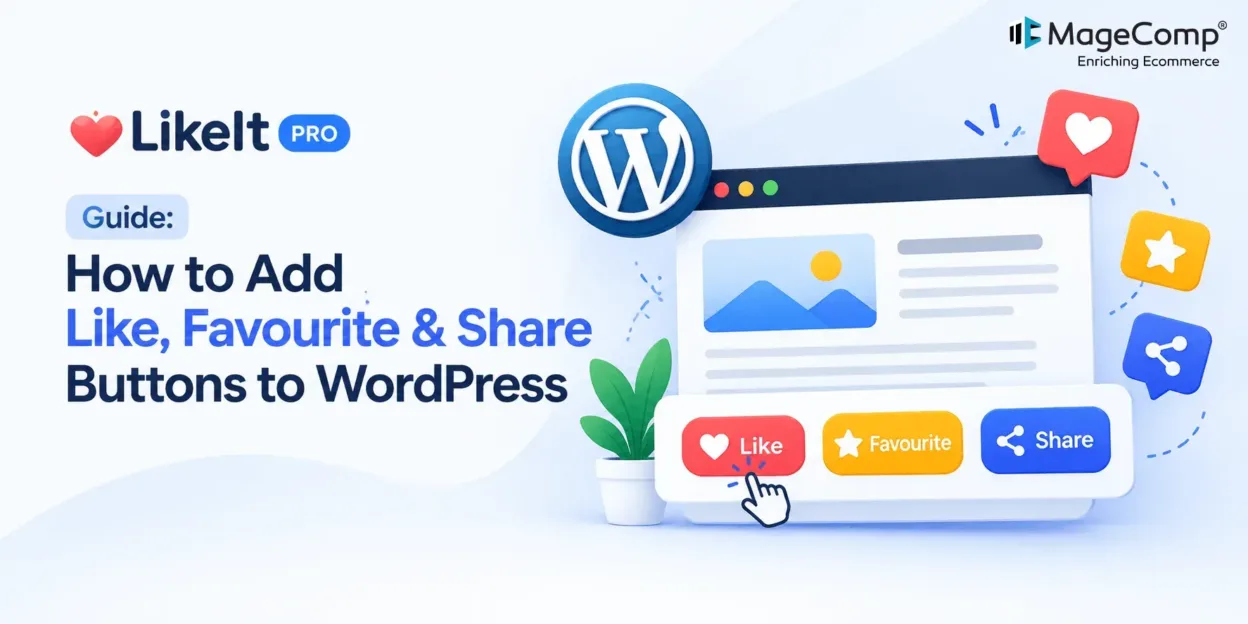
MageComp LikeIt PRO is a WordPress engagement plugin that lets you add customizable Like, Favourite, and Social Share buttons to your website. It also offers advanced styling, privacy controls, engagement analytics, and WooCommerce compatibility.
In this guide, we will explore how to configure LikeIt PRO and use its features to create a more interactive website.

What Is MageComp LikeIt PRO?
LikeIt PRO is a WordPress plugin designed to make website content more interactive. It allows visitors to like posts, save their favourite content, and share pages through popular social platforms.
The plugin supports blog posts, pages, WooCommerce products, archives, the homepage, and search results. You can display buttons automatically or use shortcodes to control their placement.
Key Features of LikeIt PRO
- Like Buttons: Let visitors express appreciation for blog posts, pages, and products.
- Favourite Buttons: Allow users to save content and products they want to revisit.
- Social Sharing: Enable sharing through Facebook, X, LinkedIn, WhatsApp, Telegram, Pinterest, Reddit, and other supported channels.
- Customizable Design: Adjust button colours, icons, dimensions, spacing, borders, and interaction states.
- Flexible Placement: Display buttons automatically on selected website sections or insert them using shortcodes.
- Privacy Controls: Access GDPR-oriented privacy settings, consent integration, and data anonymization options.
- Engagement Analytics: Review Likes, Favourites, and Shares through the built-in dashboard and export interaction data to CSV.
How to Install and Configure LikeIt PRO
Follow these steps to get started with the plugin on your WordPress website.
Step 1: Install the Plugin
First, obtain the LikeIt PRO plugin package from the MageComp website.
- Log in to your WordPress admin dashboard.
- Navigate to Plugins → Add New Plugin → Upload Plugin.
- Upload the downloaded ZIP file.
- Click Install Now and then activate the plugin.
Once activated, open the MageComp LikeIt settings in your WordPress dashboard to configure its functionality.
Step 2: Configure Like, Favourite, and Share Buttons
Choose which interaction options you want to offer visitors. LikeIt PRO lets you enable or disable the Like, Favourite, and Share buttons independently.
Select the relevant settings for your website and save your changes.
Step 3: Choose Button Placement
Decide where visitors should see the interaction buttons. You can configure automatic placement across supported content types, including:
- Individual blog posts and WordPress pages
- WooCommerce product pages
- Archive pages and category listings
- Homepage and blog listing pages
- Search results
You can also use shortcodes when you need more control over the placement of the buttons within your content or page layout.
Step 4: Customize the Button Appearance
Use the available styling options to match the interaction buttons to your website’s branding.
With the PRO customization features, you can adjust:
- Button text and icon styles
- Text, background, hover, and active colours
- Button height, width, padding, and margins
- Border radius and interaction section title
- Individual styling for Like, Favourite, and Share buttons
Step 5: Configure Social Sharing Options
Choose the social platforms you want to make available to visitors. Supported options include Facebook, X, LinkedIn, WhatsApp, Telegram, Reddit, Pinterest, Tumblr, Email, SMS, and Copy Link.
You can also configure the position of the Share tooltip to suit your website layout.
Keep the sharing options relevant to your audience so visitors can easily distribute useful articles, product pages, and other content.
Step 6: Configure Privacy and Consent Settings
LikeIt PRO provides privacy-related controls to help website owners manage interaction data responsibly.
Depending on your requirements, configure available options for guest interactions, cookie consent integration, data anonymization, and data removal.
Review your website’s privacy policy and consent requirements before enabling tracking features. Using a privacy-oriented plugin does not automatically guarantee GDPR compliance; your overall data practices must also meet applicable requirements.
Step 7: Review Engagement Analytics
After configuring the plugin, review the available analytics dashboard to understand how visitors interact with your website.
You can monitor Likes, Favourites, and Shares and export interaction data as CSV reports for further analysis.
Use these insights to identify attention-grabbing content, understand which products visitors want to save, and track sharing activity over time.
Conclusion
Adding interaction options to your website can give visitors more ways to engage with your content and products. With customizable Like, Favourite, and Social Share buttons, flexible placement, privacy controls, and engagement analytics, MageComp LikeIt PRO brings these capabilities together in one WordPress plugin.
You can also explore the free version of MageComp LikeIt to add Like, Favourite, and Social Share buttons to your WordPress website.

FAQ
1. What is MageComp LikeIt PRO?
MageComp LikeIt PRO is a WordPress engagement plugin that adds Like, Favourite, and Social Share buttons to website content, including WooCommerce products.
2. Can I customize the appearance of the buttons?
Yes. PRO features include options to customize colours, icons, dimensions, spacing, borders, text, and interaction states.
3. Which social platforms does LikeIt PRO support?
Supported sharing options include Facebook, X, LinkedIn, WhatsApp, Telegram, Reddit, Pinterest, Tumblr, Email, SMS, and Copy Link.
4. Does LikeIt PRO include engagement analytics?
Yes. The PRO version includes an analytics dashboard for Likes, Favourites, and Shares, along with CSV export functionality.
5. Does LikeIt PRO provide privacy controls?
Yes. It offers privacy-oriented features such as consent integration, guest interaction tracking options, and data anonymization and removal controls. Website owners should configure these according to their privacy obligations.