
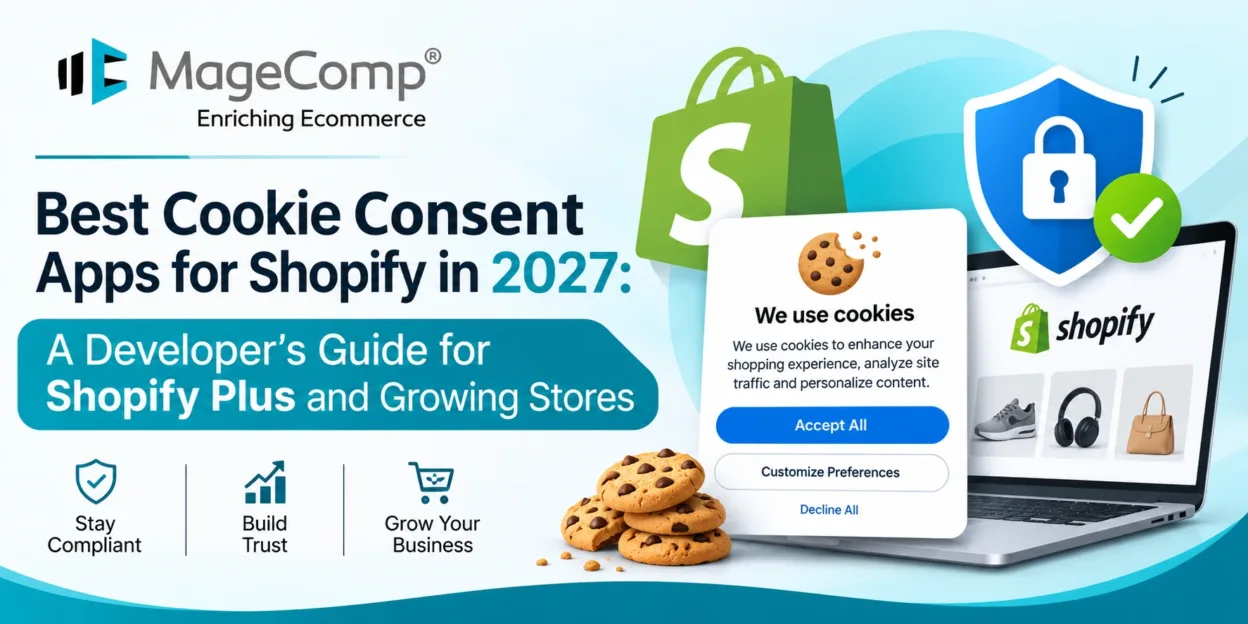
For developers building or maintaining Shopify stores, a cookie banner is the easy part. The harder questions sit underneath it: does the app stop tags before a visitor chooses, does it send that choice to Google and to Shopify’s own pixels and does it reach the checkout on a Shopify Plus build?
This guide ranks six Shopify cookie consent apps with those questions in mind. Features and prices come from each vendor’s current Shopify App Store listing or product page, checked in November 2026.
Key Takeaways
- Treat the banner, the consent signal and tracker blocking as three separate checks.
- Google Consent Mode v2 is free on some apps and starts on a paid tier on others.
- Checkout banners and checkout blocking aren’t the same feature, so confirm which one a plan includes.
- Several apps list support for US state laws alongside GDPR, which matters for stores selling across both markets.
- Test every configuration on a live storefront before handing a store back to a client.
How We Ranked These Apps
Each app was scored against five criteria:
- Pre-consent blocking. Whether trackers wait for a visitor’s choice, and on which plan.
- Google Consent Mode v2. Whether consent signals reach Google Ads and Analytics, and from which tier.
- Shopify Customer Privacy API and checkout support. Whether the vendor lists integration with Shopify’s privacy settings and checkout surfaces.
- Regulations listed. Whether the app covers GDPR only or also CCPA/CPRA and other US state laws.
- Pricing. Whether a free plan exists and what it costs to unlock the features above.
Apps that put blocking and Consent Mode v2 on a free plan rank highest. This is desk research based on vendor listings, not hands-on testing, and no app guarantees legal compliance.
Comparison Table
| Rank and app | Free plan | Consent Mode v2 from | Pre-consent blocking | Entry paid plan |
| 1. Cookiebot CMP | Yes | Free (every plan) | Yes, on the free plan | Free plan available |
| 2. Pandectes | Yes | Plus | Popular-service auto-blocker on Premium | Plus, USD 9/month |
| 3. Consentmo | Yes | Standard | Basic on Free | Standard, USD 10/month |
| 4. CookieYes | Yes | Free | Yes, on the free plan | Free within fair usage |
| 5. Avada | Yes | Professional | Known integrations on Professional | Professional, USD 9.95/month |
| 6. Consentik | Yes | PLUS | PLUS | PLUS, USD 7.99/month |
The Best Cookie Consent Apps for Shopify
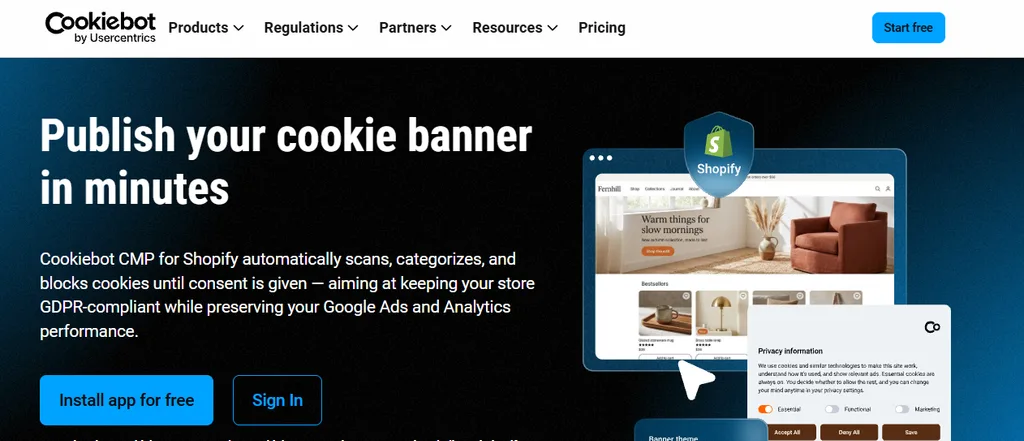
1. Cookiebot CMP for Shopify
Best for: Stores that need blocking and Consent Mode v2 from day one without a paid plan.
What it covers: Cookiebot runs automatic cookie scanning and blocks trackers until a visitor gives consent.
Consent Mode v2: Included on every plan, as a Google-certified CMP.
Developer notes: Installs through the Shopify app or Google Tag Manager.
Pricing: A free plan is available.
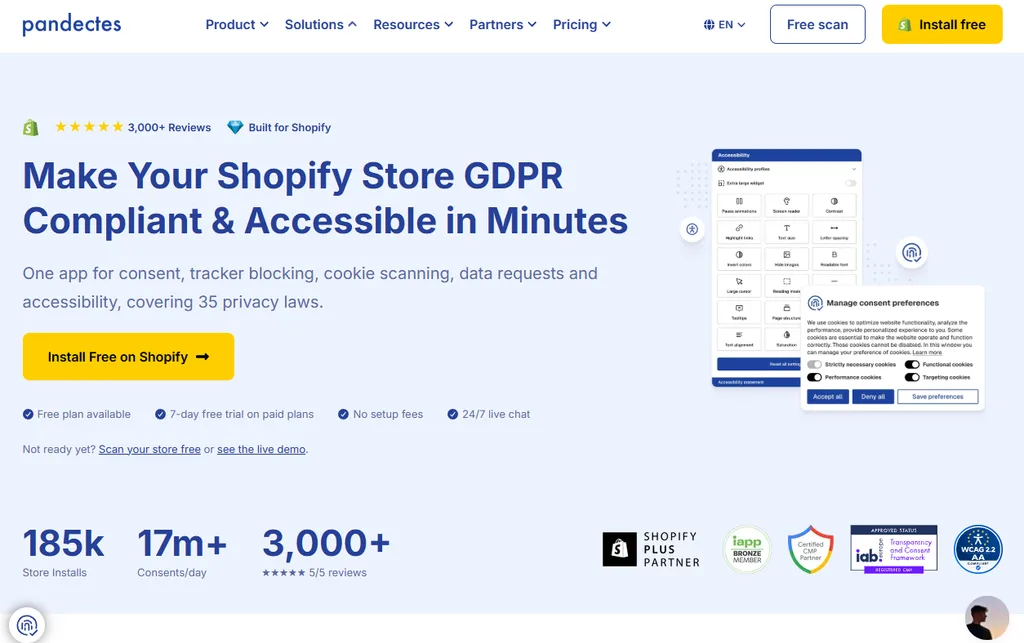
2. Pandectes GDPR Compliance
Best for: Shopify Plus builds that need granular blocking and checkout placement.
What it covers: Integrates with Shopify’s Privacy API and lists GDPR, CCPA/CPRA and several US state laws. The free plan includes geolocation and all EU languages.
Consent Mode v2: Starts on Plus, as a Google-certified CMP.
Developer notes: Premium adds an auto-blocker for popular services. Enterprise adds inline script blocking, a Shopify Plus checkout banner and headless support.
Pricing: Plus USD 9, Premium USD 29 and Enterprise USD 49 per month.
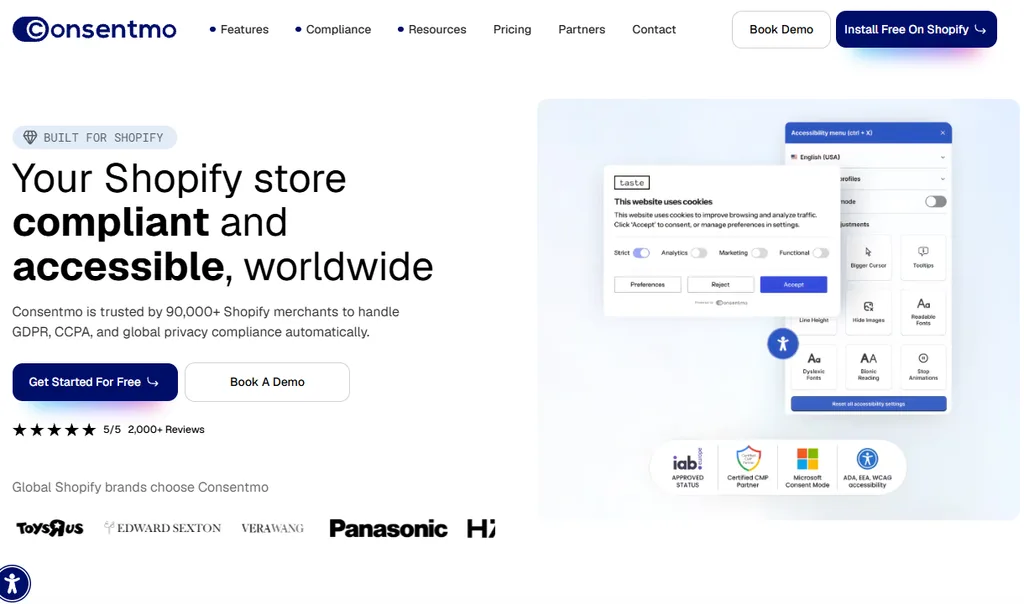
3. Consentmo GDPR Compliance
Best for: Agencies that want integration scanning and privacy workflows in one app.
What it covers: Detects visitor location to show banners for GDPR, CCPA, LGPD or PIPEDA. The free plan includes data-request pages and all EU languages.
Consent Mode v2: Google-certified, starting on Standard alongside Meta, TikTok and UET consent.
Developer notes: Standard adds an integrations scanner with alerts. Max adds consent monitoring and IAB TCF 2.4.
Pricing: Standard USD 10, Plus USD 37 and Max USD 99 per month.
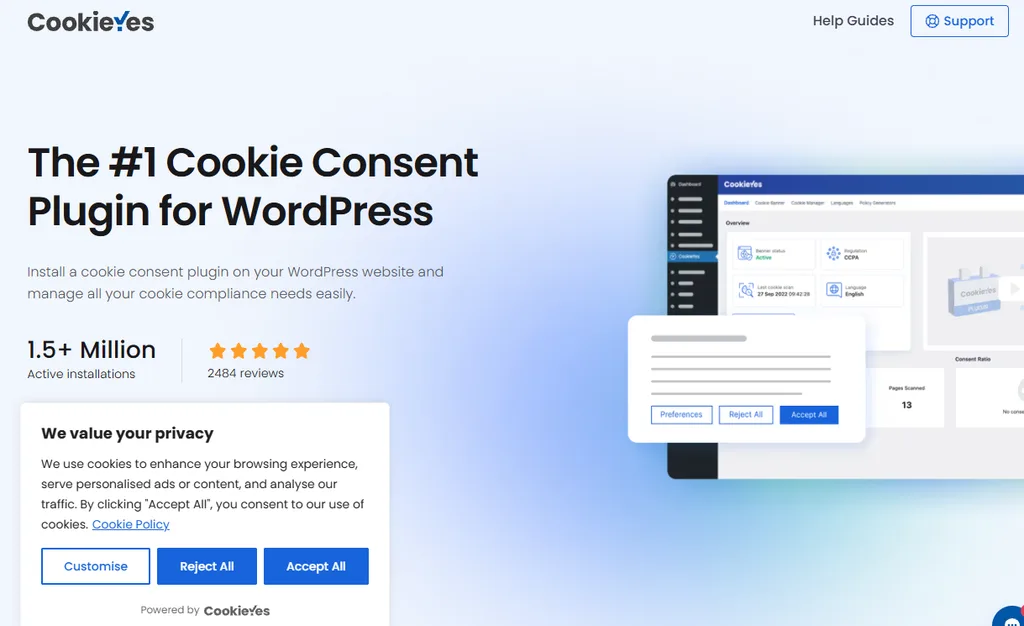
4. CookieYes GDPR Cookie Consent
Best for: Smaller stores that want the essentials free.
What it covers: Built for Shopify. The free plan includes geo-targeted banners, automatic script blocking and consent logs.
Consent Mode v2: Included free, as a Google-certified CMP.
Developer notes: Passes consent to Shopify’s own customer privacy settings and is managed from the Shopify admin.
Pricing: Free within the vendor’s fair-usage limits.
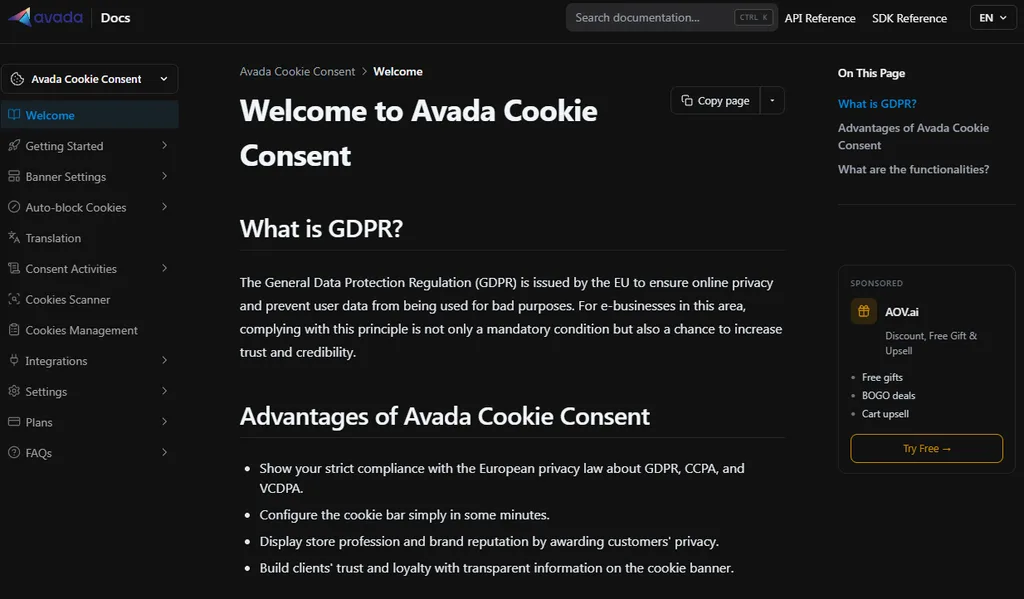
5. Avada GDPR Cookie Consent
Best for: US-facing stores that need broad state-law coverage.
What it covers: Lists GDPR, CCPA/CPRA and several US state laws. The free plan includes a basic cookie scanner, data requests and a Do Not Sell opt-out.
Consent Mode v2: Starts on Professional, with Meta, TikTok and GPC signals.
Developer notes: Advanced adds custom script-blocking rules. Enterprise adds checkout and account-page banners plus headless support.
Pricing: Professional USD 9.95, Advanced USD 23.95 and Enterprise USD 34 per month.
6. Consentik GDPR Cookie Banner
Best for: Budget builds that need low-cost paid blocking.
What it covers: Lists GDPR, CCPA/CPA and LGPD. The free plan includes Shopify Customer Privacy API support and automatic cookie scanning.
Consent Mode v2: Starts on PLUS, in Advanced Mode.
Developer notes: PLUS adds auto-blocking and Web Pixel support. UNLIMITED adds headless support and cross-domain consent sharing.
Pricing: PLUS USD 7.99, ADVANCED USD 19.99 and UNLIMITED USD 39.99 per month.
Basic vs. Advanced Consent Mode
Google offers two implementations. In basic Consent Mode, Google tags don’t load until a visitor consents. In advanced Consent Mode, tags load with default denied settings and can send cookieless pings while consent is denied, which Google uses for conversion modeling.
Both count as Consent Mode v2 support, so check which one an app configures and which one your client’s legal team is comfortable with. A “Consent Mode supported” label alone doesn’t tell you whether any network requests fire before consent.
Testing a Consent Setup Before Handover
Run these checks on every store, on product pages, the cart and checkout:
- Before any choice. Load the store in a private window and confirm in the network tab that analytics and ad tags don’t fire, or fire only as cookieless pings if advanced Consent Mode is intended.
- After rejection. Decline and confirm that trackers stay blocked on the next page load.
- After acceptance. Accept and confirm that tags load and that Google receives the updated consent state.
- After withdrawal. Reopen the banner, change the choice and confirm that tracking stops.
- Region settings. Match the consent regions in Shopify’s customer privacy settings with those in the app.
Checkout is where most gaps appear on Shopify Plus stores. A banner shown at checkout confirms display, not that every pixel there respects consent. If a client needs custom checkout behavior, it helps to understand how developers build Checkout UI Extensions in Shopify before deciding what the consent app should handle and what needs custom work.
Frequently Asked Questions
Do I need a cookie banner on Shopify?
If your store has visitors in the EU or UK and uses non-essential cookies, such as analytics or advertising pixels, you generally need their consent before those cookies are set. Many US state laws instead require clear notice and a way to opt out.
Is Shopify’s built-in banner enough?
Shopify includes a cookie banner in its customer privacy settings. It’s a starting point for Shopify-managed tracking, but stores running third-party pixels, Google Ads or several regional rules usually need a dedicated app for blocking and Consent Mode v2.
Which law applies to my store?
It depends on where your visitors are, not where the business is registered. GDPR covers visitors in the EU, CCPA/CPRA covers California residents and other US states have their own privacy laws. A lawyer can confirm what applies to a specific store.
Should I use the Shopify app or Google Tag Manager?
Use whichever matches how the store’s tags are managed. If tags live in Google Tag Manager, a GTM-based setup keeps consent logic in one place. If tags come from Shopify apps and pixels, the app route is usually simpler.
Does a checkout banner block checkout tracking?
Not necessarily. Displaying a banner at checkout and blocking checkout scripts are separate features, so test checkout behavior directly after setup.