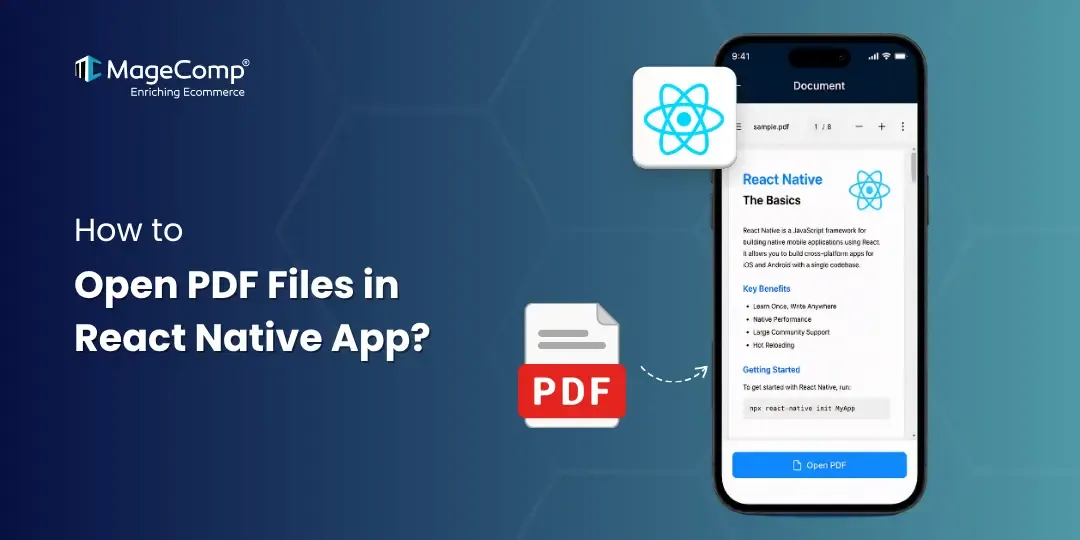
Mobile apps may commonly display PDF files, for example, invoices, eBooks, reports, user manuals, certificates, or downloadable documents. As React Native has no native method for displaying PDF documents, developers can utilize libraries or plugins designed specifically for this aspect of development when looking to show or work with PDFs in their application using React Native.
react-native-pdf is one of the most popular options for doing this. React Native PDF provides an easy-to-use, cross-platform solution for rendering PDF files, allowing you to easily implement PDF viewing capabilities in your React Native app.

Features of react-native-pdf
react-native-pdf has many features that make it useful, including:
- Zoom in / Zoom out
- Swipe between pages
- Password protected PDF files
- Horizontal scrolling
- Page tracking
- Cached loading
- Load PDFs from URL, local storage, or base64
Steps to Open PDF Files in React Native App:
Step 1: Install these Packages
Using npm
npm install react-native-pdfUsing yarn
yarn add react-native-pdfStep 2: Install Peer Dependency
Using npm
npm install react-native-blob-utilUsing yarn
yarn add react-native-blob-utilFor iOS:
cd ios && pod installStep 3: Configure Android
If you use RN 0.59.0 and above, please add the following to your android/app/build.gradle**
android {
+ packagingOptions {
+ pickFirst 'lib/x86/libc++_shared.so'
+ pickFirst 'lib/x86_64/libjsc.so'
+ pickFirst 'lib/arm64-v8a/libjsc.so'
+ pickFirst 'lib/arm64-v8a/libc++_shared.so'
+ pickFirst 'lib/x86_64/libc++_shared.so'
+ pickFirst 'lib/armeabi-v7a/libc++_shared.so'
+ }
Step 4: Open & Load Local PDF File
Add PDF File
Android
android/app/src/main/assets/sample.pdf
iOS
Add the PDF file into Xcode project resources.
Load Local PDF
const source = require('./assets/sample.pdf');Example
import React from 'react';
import { SafeAreaView, StyleSheet, Dimensions } from 'react-native';
import Pdf from 'react-native-pdf';

const PdfView = () => {

  const source = {
    uri: 'http://example.pdf',
    cache: true,
  };

  return (
    <SafeAreaView style={styles.container}>
      <Pdf
        source={source}
        style={styles.pdf}
        onLoadComplete={(numberOfPages) => {
          console.log(`Total Pages: ${numberOfPages}`);
        }}
        onPageChanged={(page) => {
          console.log(`Current Page: ${page}`);
        }}
        onError={(error) => {
          console.log(error);
        }}
      />
    </SafeAreaView>
  );
};

const styles = StyleSheet.create({
  container: {
    flex: 1,
  },
  pdf: {
    flex: 1,
    width:”100%”,
  },
});

export default PdfView;
Conclusion
The react-native-pdf library makes it easy to view PDF documents in a React Native app. Whether the purpose is to view invoices, reports, exam papers, or other downloadable documents, the react-native-pdf functionality is effective and simple to use.
With just a few steps, you can smoothly integrate PDF viewing into your Android / and iOS applications.

FAQ
1. What is the best library for viewing PDFs in React Native?
The react-native-pdf is one of the top and well-known libraries to use when working with PDFs in React Native applications.
2. Can React Native open local PDF files?
Yes, you can open local PDF files from within a React Native application using the require() method or by referring to the device’s file storage path.
3. Is react-native-pdf compatible with Android and iOS?
Yes! The react-native-pdf library is compatible with Android and iOS.
4. Can I view secured (password protected) PDF files using react-native-pdf?
Yes! You can display password protected PDF files using the react-native-pdf library.