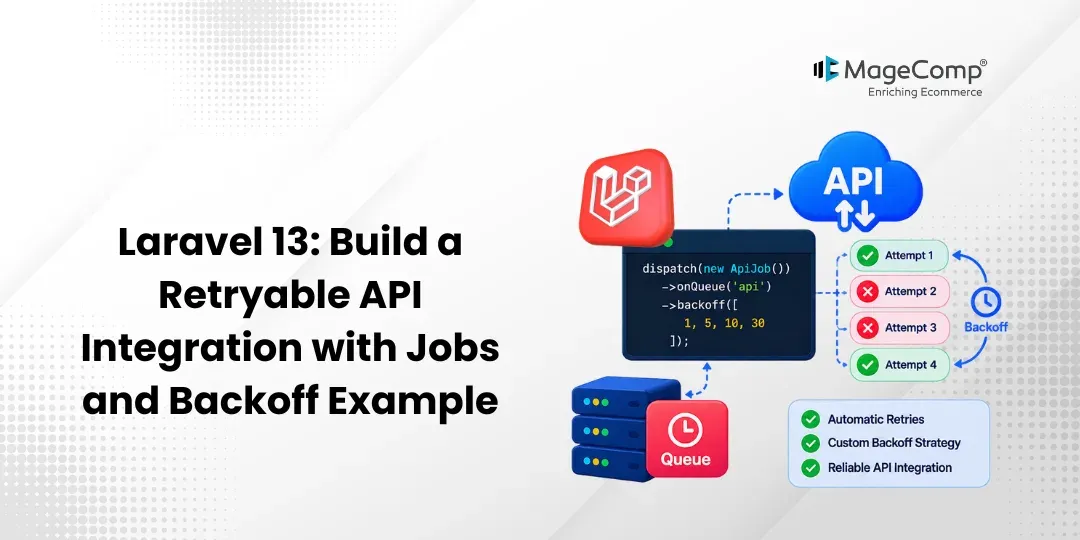
In the following blog post, I am going to explain how to create a retryable API integration in Laravel 13 by employing queued jobs and backoff delays.
When you work with an external API, sometimes your requests may not succeed owing to problems such as timeouts, server errors, or network failures. Luckily, in Laravel, jobs are capable of retrying any failed request, waiting some time between attempts.
Steps for Laravel 13 Retryable API Integration
Step 1: Install Laravel 13
Step 2: Configure Queue
Step 3: Create API Service
Step 4: Create Retryable Job
Step 5: Dispatch the Job
Step 6: Define Route
Step 7: Run Queue Worker
Step 8: Test the Application
Step 9: Handle Failed Jobs
Step 1: Install Laravel 13
First, create a new Laravel 13 application.
composer create-project laravel/laravel retryable-api-exampleMove to the project directory:
cd retryable-api-exampleStep 2: Configure Queue
We will open the .env file to set up the queue.
QUEUE_CONNECTION=databaseNext, let’s create the jobs table.
php artisan make:queue-table
php artisan migrate
Step 3: Create API Service
Create a service:
app/Services/CustomerApiService.php
Add:
<?php
namespace App\Services;
use Illuminate\Support\Facades\Http;
class CustomerApiService
{
    public function send(): void
    {
        Http::timeout(10)
            ->post('https://example.com/api/customers', [
                'name' => 'John Doe',
                'email' => 'john@example.com',
            ])
            ->throw();
    }
}
The throw() method will enable a failed HTTP response to throw an exception, which will trigger the queued job to be retried.
Step 4: Create Retryable Job
Next, we create a Laravel job.
php artisan make:job SendCustomerToApiapp/Jobs/SendCustomerToApi.php
Update it:
<?php
namespace App\Jobs;
use App\Services\CustomerApiService;
use Illuminate\Contracts\Queue\ShouldQueue;
use Illuminate\Foundation\Queue\Queueable;
class SendCustomerToApi implements ShouldQueue
{
    use Queueable;
    public $tries = 4;
    public function backoff(): array
    {
        return [10, 30, 60];
    }
    public function handle(CustomerApiService $apiService): void
    {
        $apiService->send();
    }
}
Here:
- 4 is the highest number of attempts.
- 10 is the waiting time before first re-attempt.
- 30 is the time delay for the second re-attempt.
- 60 is the waiting time before the third re-attempt.
For example:
Attempt 1 → Failed
↓
Wait 10 seconds
↓
Attempt 2 → Failed
↓
Wait 30 seconds
↓
Attempt 3 → Failed
↓
Wait 60 seconds
↓
Attempt 4 → Success
Step 5: Dispatch the Job
Create a controller:
php artisan make:controller CustomerControllerAdd:
<?php
namespace App\Http\Controllers;
use App\Jobs\SendCustomerToApi;
class CustomerController extends Controller
{
    public function send()
    {
        SendCustomerToApi::dispatch();
        return response()->json([
            'message' => 'Customer API job dispatched successfully.',
        ]);
    }
}
Step 6: Define Route
Open:
routes/web.php
use App\Http\Controllers\CustomerController;
Route::get('/send-customer', [CustomerController::class, 'send']);
Step 7: Run Queue Worker
Start the Laravel application:
php artisan serveIn another terminal, run:
php artisan queue:workStep 8: Test the Application
Open:
http://127.0.0.1:8000/send-customer
You should receive:
{
    "message": "Customer API job dispatched successfully."
 }
The job will then be processed by the queue worker.
If the API request fails, Laravel retries the job according to the configured attempts and backoff delays.
Step 9: Handle Failed Jobs
You can define a failed() method in the job:
public function failed(?Throwable $exception): void
{
    logger()->error('Customer API job failed.');
}
You can view failed jobs using:
php artisan queue:failedRetry a failed job using:
php artisan queue:retry JOB_IDConclusion:
This post provided an example of how to construct a retryable API integration in Laravel 13 employing queued jobs and backoff delays.
In this paragraph, the $ tries property manages the number of retries, while the backoff() function sets the interval before the next retry. This is another way of dealing with temporary issues of the API service, as the request does not need to be resubmitted manually.
FAQ
1. What is a retryable API integration in Laravel 13?
Retryable API integration enables Laravel to automatically retry an API request in case of its failure due to a temporary issue like a timeout or a network error.
2. Why use Laravel queues for API integrations?
There is a range of benefits to using queues in Laravel. One of them is that this feature allows you to handle API requests in the background manner not forcing users to wait for results. Also, it comes with built-in retry and failure mechanism functionality.