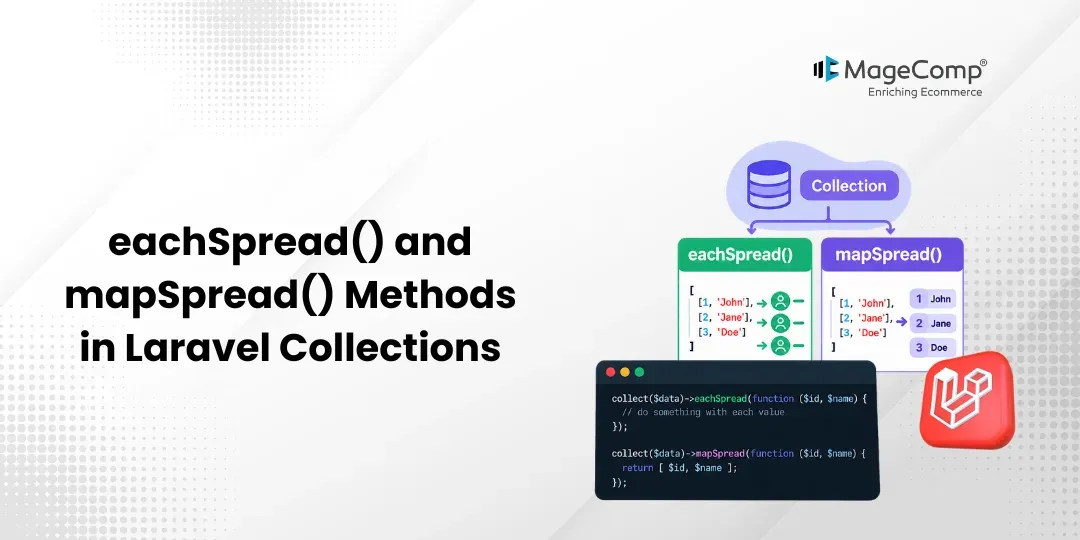
When working with collections in Laravel, we sometimes encounter items that contain multiple values. In such a case, Laravel offers us two methods: eachSpread() and mapSpread() to handle such values accordingly.
In this post, we will see the functionality of both methods using a use case example.

Prerequisites
1. Composer (Latest Version)
2. Laravel 12
3. Basic knowledge of Laravel Collections
Steps
1. Create a new Laravel project
2. Create sample collection data
3. Use eachSpread() method
4. Use mapSpread() method
5. Test the output
Step 1: Create a New Laravel Project
Let’s start by creating a new Laravel project using Composer.
composer create-project laravel/laravel collection-methodNow, go inside the folder:
cd collection-methodStep 2: Create Sample Collection Data
Now, open the routes/web.php file and edit it as below:
<?php
use Illuminate\Support\Facades\Route;
Route::get('/products', function () {
    $products = collect([
        ['Phone', 50000, 2],
        ['Shirt', 2000, 3],
        ['Pent', 1000, 5],
    ]);
    return response()->json($products);
});
Now, let’s use the eachSpread() method with this collection.
Step 3: Use the eachSpread() Method
Edit the /products route as below:
use Illuminate\Support\Facades\Route;
Route::get('/products', function () {
    $products = collect([
        ['Phone', 50000, 2],
        ['Shirt', 2000, 3],
        ['Pent', 1000, 5],
    ]);
    $products->eachSpread(function ($name, $price, $quantity) {
        echo $name . ' - Price: ' . $price . ' - Quantity: ' . $quantity . '
';
    });
});
Step 4: Use the mapSpread() Method
Now, let’s use the mapSpread() method.
Edit the /products route:
use Illuminate\Support\Facades\Route;
Route::get('/products', function () {
    $products = collect([
        ['Phone', 50000, 2],
        ['Shirt', 2000, 3],
        ['Pent', 1000, 5],
    ]);
    $totals = $products->mapSpread(function ($name, $price, $quantity) {
        return [
            'name' => $name,
            'total' => $price  $quantity,
        ];
    });
    return response()->json($totals);
});
Step 5: Test the Output
Now, start the Laravel development server:
php artisan serveOpen the following URL in your browser:
http://127.0.0.1:8000/products
The output will be:
[
    {
        "name": "Phone",
        "total": 100000
    },
    {
        "name": "Shirt",
        "total": 6000
    },
    {
        "name": "Pent",
        "total": 5000
    }
]
Conclusion
So, these methods are helps in Laravel collection methods when each collection item has multiple values, and we want to pass those values directly to the callback.

FAQ
1. What is the eachSpread() method in Laravel Collections?
The eachSpread () method in Laravel Collections refers to a situation where it is applied to collection elements and results in passing the inner values as distinct arguments to the callback.
2. What is the mapSpread() method in Laravel Collections?
The mapSpread function in Laravel Collections means that the callback is applied to elements, sending values inside of them as separate arguments.
3. What is the difference between eachSpread() and mapSpread()?
The key difference is that while the eachSpread method is used just to perform actions over the collection items without transforming their values, the mapSpread method helps to transform each item.