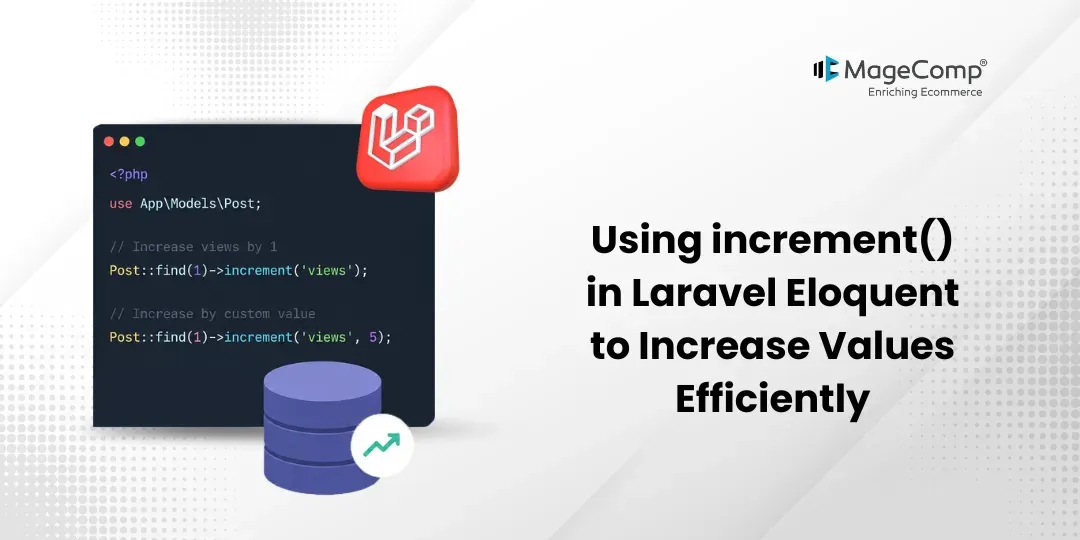
When developing web-based applications, developers often need numerical updates frequently, including updates to the quantity of products available, number of views on a webpage, amount of money the user has in their wallet, number of “likes” a content piece has received, and/or number of downloads a file has received, just to name a few. One method of implementing these updates very quickly and simply is by utilizing the Laravel increment() method, which provides a very powerful approach.

The Laravel increment() method provides developers a simple and fast alternative to executing complete queries to directly update a numeric column in a database by using only the Laravel increment() method. This method will allow you to increase (or decrease) a column value with one query rather than writing additional manual update queries.
In this blog, we’ll understand how to use increment() with a simple example.
Prerequisite:
1. Composer (latest Version)
2. Laravel version 12
Steps for Using increment() in Laravel Eloquent:
1. Create Migration
2. Create Model
3. Add Route
4. Create Controller Logic
5. Output
Step 1: Create Migration
php artisan make:migration create_posts_tableInside the migration file, edit as below,
Schema::create('posts', function (Blueprint $table) {
    $table->id();
    $table->string('title');
    $table->integer('views')->default(0);
    $table->timestamps();
});
After this run the following command,
php artisan migrateStep 2: Create Model
php artisan make:model PostAfter you have created the model, edit the model as shown below.
namespace App\Models;
use Illuminate\Database\Eloquent\Model;
class Post extends Model
{
    protected $fillable = [
        'title',
        'views'
    ];
}
Step 3: Add Route
use App\Http\Controllers\PostController;
Route::get('/post-view', [PostController::class, 'increaseView']);
Step 4: Create Controller Logic
php artisan make:controller PostControllerAfter creating the controller file, write the code inside it,
namespace App\Http\Controllers;
use App\Models\Post;
class PostController extends Controller
{
    public function increaseView()
    {
        $post = Post::find(1);
        $post->increment('views');
        return $post;
    }
}
Step 5: Output
[
    {
        "id": 1,
        "name": "iPhone",
        "price": "50000"
    },
    {
        "id": 2,
        "name": "Laptop",
        "price": "40000"
    }
]
Conclusion
The Laravel increment() method is a very simple and powerful method for updating numerical values. By using this method, you will improve performance, reduce the load on your database, and create cleaner and more readable code.
Whenever you are developing an e-commerce site, an analytics dashboard, or a social network, you will benefit from using increment() to efficiently create an optimized and scalable Laravel-based web application.
Counter or quantity updates in your application are frequent; therefore, you will want to include this method as part of your toolkit in Laravel.

FAQ
1. What is the increment() method in Laravel?
The increment() method can directly increase a numeric database column using only 1 query.
2. What is the default increment value in Laravel?
The default increment value within the Laravel increment() method is 1.
Example:
$user->increment('points');