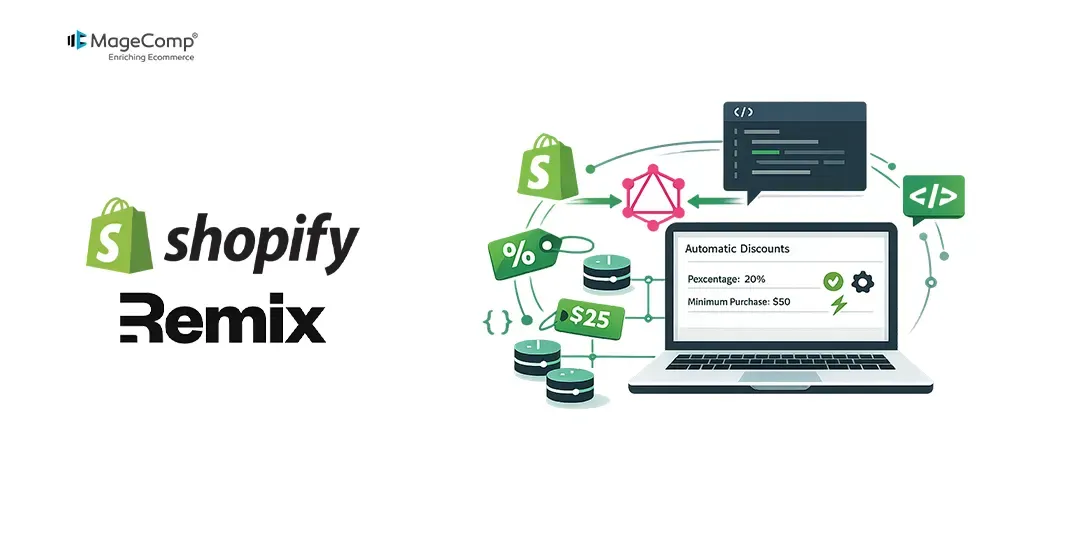
Programmatic management of discounts is a vital function of many Shopify applications. When working on an integrated app using the Shopify Remix Template, it is necessary to work through updates to automatic discounts through the Shopify Admin GraphQL API from admin authentication.
The purpose of this guide is to outline how to successfully update automatic discounts in Inline Remix loaders using GraphQL mutations.

Understand the Shopify GraphQL Mutation
Automatic discounts are divided by Shopify into various types of discounts. Depending on the type of discount structure you need, certain mutations are to be used:
- discountAutomaticBasicUpdate: Used for standard “Amount Off” automatic discounts (e.g., $10 off a specific collection).
- discountAutomaticBxgyUpdate: This is used for automatic discounts of type “Buy X Get Y”.
- discountAutomaticAppUpdate: Used if your discount is managed by a custom Shopify Function (advanced/dynamic rules).
We will concentrate on executing an ordinary automatic discount update (discountAutomaticBasicUpdate).
The GraphQL Mutation Syntax
mutation discountAutomaticBasicUpdate($id: ID!, $automaticBasicDiscount: DiscountAutomaticBasicInput!) {
  discountAutomaticBasicUpdate(id: $id, automaticBasicDiscount: $automaticBasicDiscount) {
    automaticDiscountNode {
      id
      automaticDiscount {
        ... on DiscountAutomaticBasic {
          title
          status
          startsAt
          endsAt
        }
      }
    }
    userErrors {
      field
      message
    }
  }
}
Implement the Update Mutation in a Remix Route
In the Shopify Remix framework, the mutations that are caused by user actions, such as pressing the “save changes” button, must be executed in a Remix action function.
Here is how you handle the update process securely using @shopify/shopify-app-remix:
// app/routes/app.discount.$id.tsx
import type { ActionFunctionArgs } from "@remix-run/node";
import { json } from "@remix-run/node";
import { useActionData, useSubmit, useLoaderData } from "@remix-run/react";
import { authenticate } from "../shopify.server"; // Your Shopify server configuration

// Action handles the POST/PUT requests from the form submission
export const action = async ({ request }: ActionFunctionArgs) => {
  // 1. Authenticate the admin request
  const { admin } = await authenticate.admin(request);

  // 2. Parse the form data sent from the frontend
  const formData = await request.formData();
  const discountId = formData.get("discountId") as string;
  const newTitle = formData.get("title") as string;
  const newEndsAt = formData.get("endsAt") as string; // Expecting ISO string or null

  try {
    // 3. Execute the GraphQL mutation using the authenticated admin instance
    const response = await admin.graphql(
      `#graphql
      mutation discountAutomaticBasicUpdate($id: ID!, $automaticBasicDiscount: DiscountAutomaticBasicInput!) {
        discountAutomaticBasicUpdate(id: $id, automaticBasicDiscount: $automaticBasicDiscount) {
          automaticDiscountNode {
            id
          }
          userErrors {
            field
            message
          }
        }
      }`,
      {
        variables: {
          id: discountId,
          automaticBasicDiscount: {
            title: newTitle,
            endsAt: newEndsAt || null
          },
        },
      }
    );

    const responseJson = await response.json();
    const errors = responseJson.data?.discountAutomaticBasicUpdate?.userErrors;

    if (errors && errors.length > 0) {
      return json({ success: false, errors }, { status: 400 });
    }

    return json({ success: true, errors: [] });
  } catch (error) {
    return json({ success: false, errors: [{ message: "Failed to update discount." }] }, { status: 500 });
  }
};

export default function EditDiscountRoute() {
  const actionData = useActionData<typeof action>();
  const submit = useSubmit();

  const handleSave = () => {
    const formData = new FormData();
    formData.append("discountId", "gid://shopify/DiscountAutomaticNode/123456789");
    formData.append("title", "Updated Flash Sale - 20% Off");
    formData.append("endsAt", "2026-12-31T23:59:59Z");

    submit(formData, { method: "POST" });
  };

  return (
    <div style={{ padding: "20px" }}>
      <h1>Update Automatic Discount</h1>
      <button onClick={handleSave}>Save Changes</button>

      {actionData?.success && <p style={{ color: "green" }}>Discount updated successfully!</p>}
      {actionData?.errors && actionData.errors.map((err, idx) => (
        <p key={idx} style={{ color: "red" }}>{err.message}</p>
      ))}
    </div>
  );
}
Best Practices to Keep in Mind
Make sure Scopes are Defined
Whenever you need to create or update a discount via the GraphQL Admin API, the access scope must be correctly set up in your Shopify app (shopify.app.toml).
scopes = "write_discounts,read_discounts"Note: When you upload these scopes in between app development, you must authenticate the app and refresh your server locally.
Working with User Errors
The Shopify GraphQL mutation does not return standard HTTP errors for business processing errors (e.g., setting an expiration date in the past). Instead, it returns an array called userErrors. An important fact to keep in mind is to check for userErrors in your Remix actions before you send any success response to the UI.
Global ID Formats
Make sure you are passing the fully qualified Shopify Global ID (GID) to the id argument (e.g., “gid://shopify/DiscountAutomaticNode/123456789”), and not just the raw numeric string.
Conclusion
To summarize the information above, the process of updating automatic discounts in GraphQL via the Shopify Remix app is straightforward as long as one understands the principles of Shopify mutations and Shopify Remix server-side setup. The developers can utilize the Shopify admin context to validate their requests, run corresponding GraphQL mutations, check for userErrors, and send the relevant Global ID to create adequate discount management capabilities for merchants.
No matter if it is a flash sale promotion or creating a custom dashboard, this solution guarantees that the Shopify app will be secure and customizable.

FAQ
1. What mutation do I need to use for automatic discount update?
Different mutations are appropriate to various discount types: discountAutomaticBasicUpdate is used for automatic discount, discountAutomaticBxgyUpdate is for Buy X Get Y discount, discountAutomaticAppUpdate is used for discount relying on Shopify functions.
2. Why do I need to use action() from Remix?
action() provides secure authentication for admin sessions in a server-side manner and uses GraphQL mutations without disclosing access tokens at the client level.