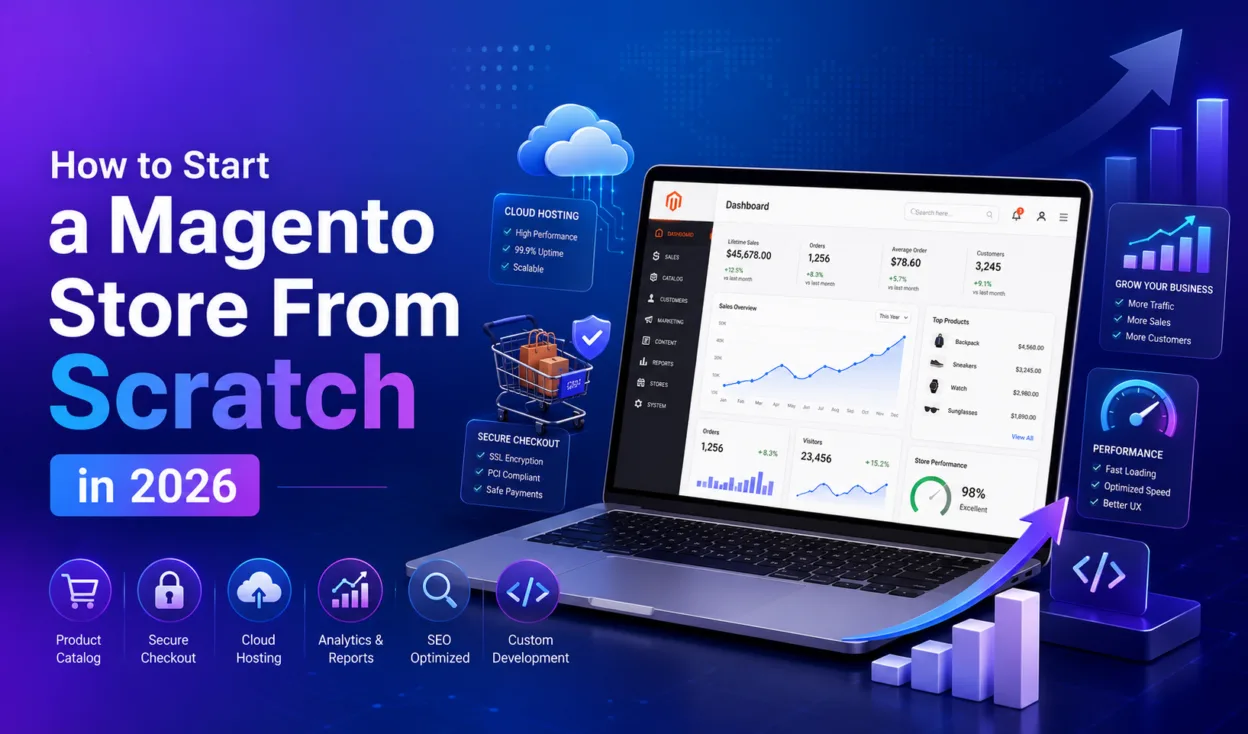
Magento powers some of the most sophisticated e-commerce operations in the world. It also gets abandoned mid-setup by founders who underestimated what they were getting into. The difference between those two outcomes is rarely technical skill. It is knowing which decisions to make before the build begins, and understanding what the platform actually demands from those running it.
Building a Magento store in 2026 is a more capable undertaking than it was a few years ago. Hosting infrastructure has matured, the platform itself has evolved significantly under Adobe’s ownership, and expectations around performance, mobile experience, and personalization have all moved. This guide walks through the decisions and steps that matter most, written for business owners and founders rather than developers.
Why Magento Still Makes Sense for Serious E-Commerce in 2026
Magento, now available as Magento Open Source and Adobe Commerce, remains one of the most capable platforms for businesses that need control, scalability, and the ability to customize their store without hitting a ceiling. It is the platform of choice when catalogs are large, pricing rules are complex, multiple storefronts need to run from a single backend, or B2B functionality is a core requirement.
Where Magento consistently outperforms alternatives like Shopify or WooCommerce is in its architecture. Shops with thousands of SKUs, tiered pricing for different customer groups, multi-currency operations, or omnichannel ambitions find that Magento handles these natively in ways that other platforms patch together through third-party apps. In 2026, the addition of headless commerce support and PWA-ready storefronts has also made Magento stores faster and more adaptable without requiring a platform rebuild to achieve it.
Open Source or Adobe Commerce: The First Decision That Shapes Everything Else
The first real decision every founder faces is which edition of Magento to use. Adobe Commerce (the paid, enterprise version) and Magento Open Source (free and self-hosted) serve fundamentally different business profiles, and choosing the wrong one creates friction that only gets more expensive over time.
The table below outlines the key differences:
| Feature | Magento Open Source | Adobe Commerce (Cloud) | Best For |
| Licensing Cost | Free | From approx. $22,000/year | Open Source: SMBs; Commerce: Enterprise |
| Hosting | Self-managed | Included (cloud-hosted) | Commerce removes hosting overhead |
| B2B Features | Basic | Advanced (native) | Commerce for wholesale/B2B operations |
| Customer Segmentation | Not included | Included | Commerce for personalisation at scale |
| Security Patches | Manual | Managed by Adobe | Commerce reduces maintenance burden |
| Community Support | Large open-source community | Dedicated Adobe support | Open Source has wider developer pool |
For most businesses generating under $1 million in annual revenue, Magento Open Source with managed hosting typically offers the better return. The absence of a licensing fee and the depth of the open-source ecosystem make it a powerful starting point. Above that threshold, the enterprise features of Adobe Commerce, particularly customer segmentation, native B2B modules, and managed security, begin to justify the investment.
Setting Up Your Business Foundation Before the Store Goes Live
Before a single line of code is written or a hosting account is created, the business infrastructure behind the store needs to be in place. This includes a registered business entity, a dedicated business bank account, and the administrative setup that allows the store to operate as a legitimate commercial entity rather than an informal side project.
Many e-commerce founders who register an LLC choose to work with Northwest Registered Agent for their registered agent requirement, which handles the official legal and compliance correspondence that comes with running a formal business entity. Getting this in place before launch means vendor agreements, payment processor applications, and any enterprise client relationships start on a properly structured foundation.
This step is frequently skipped or deferred, but payment processors, marketplace integrations, and corporate clients often require a registered entity and a business bank account before they will engage. Setting it up early removes a bottleneck that tends to surface at the worst possible moment.
Choosing the Right Hosting: Where Most First-Time Builders Go Wrong
Magento is a resource-intensive platform. Shared hosting is not suitable for it, and attempting to run a Magento store on underpowered infrastructure is one of the most common reasons early-stage stores fail to perform. The practical baseline in 2026 is managed Magento hosting through providers like Nexcess, Cloudways, AWS, or Google Cloud Platform. These services handle server configuration, caching, security patching, and performance optimization at the infrastructure level, which removes a significant technical burden from store owners who do not have a dedicated sysadmin.
When evaluating a hosting provider, the things that matter most are: guaranteed uptime with SLA backing, automatic scaling during traffic spikes, built-in Magento-specific caching (Varnish and Redis support are standard on serious Magento hosts), and daily backups. Load time is not just a user experience issue in 2026. It is a ranking factor, and a store that loads slowly will underperform in organic search regardless of how well the rest of the SEO is configured.
Building the Store: Theme, Catalog, and Core Configuration
Once hosting is in place and Magento is installed, the three areas that require the most careful preparation before going live are the theme, the product catalog, and the core store configuration including tax, currency, and shipping.
For the theme, the standard choice in 2026 for new Magento builds is the Hyva theme framework, which replaces the older Luma default. Hyva delivers significantly faster front-end performance through a leaner architecture, and choosing it from the start avoids a costly rebuild when performance issues emerge post-launch. Magento Marketplace offers both free and paid themes, and custom theme development remains an option for brands with specific design requirements.
The product catalog is where the most underestimated work lives. Product data needs to be clean, consistently structured, and properly categorized before import. Duplicate records, missing attributes, and inconsistent category assignments all surface as broken filters, incorrect search results, and missing pages after launch. The more data you have, the more effort this preparation requires, and it is worth investing in that effort before the build rather than troubleshooting it after go-live.
Payments, Checkout, and the Configurations That Affect Revenue
Payment setup is one of the highest-stakes configuration tasks in any Magento build. Magento supports a wide range of payment gateway options including Stripe, PayPal, Braintree, and Authorize.net, either natively or through extensions. The gateway you choose affects transaction fees, checkout friction, and which payment methods are available to customers across different markets.
Shipping configuration deserves equal attention. Options include flat rate, weight-based, free shipping thresholds, and carrier-calculated rates through integrations with FedEx, UPS, and DHL. For stores operating across multiple countries, tax rules need to be configured by jurisdiction, which Magento handles through its tax rule system. The key principle here is transparency. Research consistently shows that unexpected costs at checkout, particularly shipping fees and taxes revealed at the final step, are among the leading causes of cart abandonment. Configuring these clearly from the start is a revenue decision, not just an administrative one.
SEO, Testing, and Getting the Launch Right
Magento includes a solid set of built-in SEO tools including configurable URL structures, meta titles and descriptions, auto-generated sitemaps, canonical tag support, and a robots.txt editor. These should all be configured before the store is indexed. A sitemap submitted to Google Search Console at launch gives the store’s pages a faster path to indexation than waiting for the crawler to discover them organically.
Testing before launch should cover the full checkout flow on desktop and mobile, all payment methods in sandbox mode, form submissions, redirect mapping from any previous URLs, 404 handling, and load performance at expected traffic volumes. A 1-second delay in page load time has been shown to reduce e-commerce conversions by approximately 7%, which for a store generating meaningful daily revenue compounds quickly into significant losses. Performance issues discovered before launch are configuration problems. Performance issues discovered after launch are emergencies.
What Happens After Launch Is What Determines Long-Term Success
A Magento store is not a set-and-forget platform. It requires regular security patches, PHP version management, extension updates, and ongoing performance monitoring. Understanding this maintenance reality before launch, and building a budget for it, prevents the surprise costs that destabilize otherwise well-built stores.
In the first 30 days after launch, the priority is analytics. Setting up Google Analytics 4 with e-commerce event tracking and reviewing the checkout funnel data early often reveals a single configuration issue, whether a shipping cost display, a mobile layout problem, or a payment method not loading correctly, that once fixed produces a meaningful lift in completed orders. The stores that grow consistently after launch share a common pattern: they reviewed their data early, found one thing to fix, and fixed it before spending on traffic acquisition.
What a Successful Magento Launch Actually Requires
Building a Magento store from scratch in 2026 rewards preparation more than any other investment. The platform is capable of handling almost anything a growing e-commerce business needs, but that capability is realized through the decisions made before development begins, not during it.
The founders who launch successfully are the ones who chose the right edition for their revenue stage, selected hosting infrastructure built for the platform, structured their product data before import, configured checkout transparently, and had their business entity in order before the first vendor agreement arrived. None of these are purely technical decisions. They are business decisions that happen to have technical consequences, and getting them right from the start is what makes the difference between a store that works at launch and one that keeps working as the business grows.