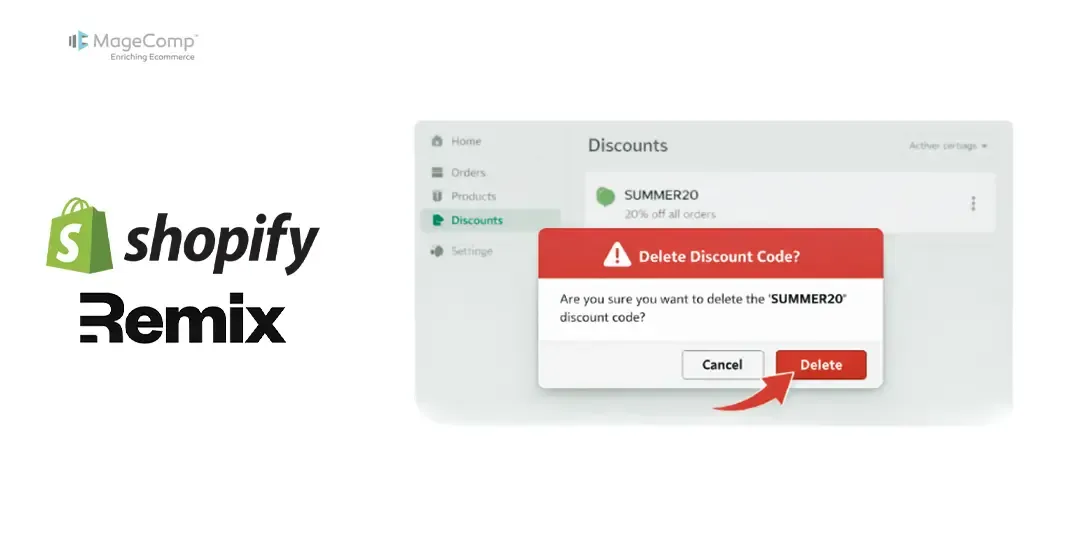
The management of discounts is essential for the success of a Shopify store. When running seasonal or limited-time promotions, it is common to have to delete a discount code that has expired. If you’re building a Shopify application with Remix, this guide will show you how to delete discount codes programmatically via Shopify’s APIs.
In the following, we will discuss how to delete a discount code in a Shopify Remix application.

Steps to Delete Discount Code in Shopify Remix App:
Step 1: Code for delete discount code
Use the Following API to Delete Discount Code.
import { authenticate } from "../shopify.server";

export const loader = async ({request}) => {
  const { admin } = await authenticate.admin(request);
  const response = await admin.graphql(
    `#graphql
  mutation {
    discountCodeDelete(id: "gid://shopify/DiscountCodeNode/206265824") {
      deletedCodeDiscountId
      userErrors {
        field
        code
        message
      }
    }
  }`,
  );
  const json = await response.json();
  return json.data;
}
You can now use this API to remove any active discount codes from your app.
Conclusion:
In conclusion, removes a code discount from the store, making it permanently unavailable to customers. This mutation provides a clean way to eliminate discount codes that are no longer needed or have been replaced.

FAQ
1. What happens when you delete an active discount code?
When an active discount code is deleted, it will no longer be redeemable or valid for customers.
2. Can I retrieve a deleted discount code?
Unfortunately, it cannot be recovered once it has been deleted. Hence, you must create a new code from scratch.
3. Will I have to remove the pricing rule linked to the discount code after I delete the discount code?
There is no need to remove the associated pricing rule when you delete the discount code, as this action will disable the use of the discount code without needing to remove its associated price rule.