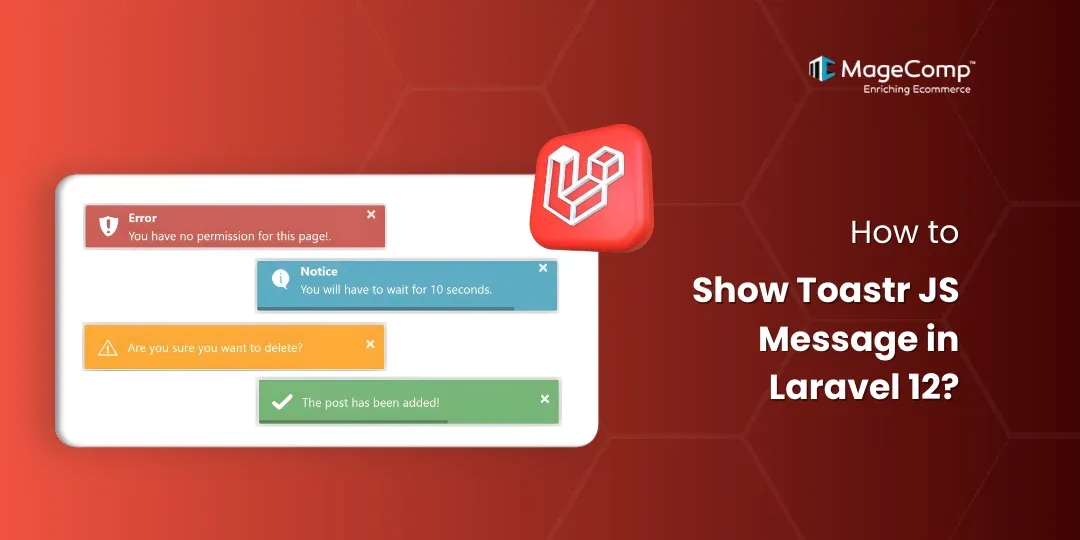
Notifications to users are important to modern-day web applications – from showing an error message during a validation to providing feedback after a successful form submission, to providing a warning when trying to delete data, providing users with clear feedback is an important part of improving their experience in using the application.

Toastr is an easy-to-use, non-blocking, lightweight, customisable solution for displaying JavaScript notifications and can be easily integrated into Laravel projects.
In this post, we will look at how to use toastr messages in Laravel, which will allow us to create various notification messages when user perform actions on their application.
Prerequisite:
- Composer (latest Version)
- Laravel version 12
Steps to Show Toastr JS Message in Laravel 12:
Here are the steps to follow:
Step 1: Install Laravel 12
Step 2: Set Database details and migrate
Step 3: Define Notifications
Step 4: Create Routes
Step 5: Create Controller
Step 6: Test Project
Now, let’s see all the steps with the detailed information.
Step 1: Install Laravel 12
We will need to create a new Laravel application; we can do this with the command below:
composer create-project laravel/laravel:^12.0 toastr-demoStep 2: Set Database Details and Migrate
Set the database details in the .env as your current credentials and run the following command to migrate your application database.
php artisan migrateStep 3: Define Notifications
First, create a blade view file for your application and place any required CSS or CDN references in the head of the file.
<!DOCTYPE html>
<html>
<head>
    <meta charset="utf-8">
    <meta name="viewport" content="width=device-width, initial-scale=1">
    <title>Toastr Notification</title>
    <link href="https://cdn.jsdelivr.net/npm/bootstrap@5.0.2/dist/css/bootstrap.min.css" rel="stylesheet">
    <script src="https://cdnjs.cloudflare.com/ajax/libs/jquery/3.7.1/jquery.min.js"></script>
    <script src="https://cdnjs.cloudflare.com/ajax/libs/toastr.js/2.1.4/toastr.min.js"></script>
    <link rel="stylesheet" href="https://cdnjs.cloudflare.com/ajax/libs/toastr.js/2.1.4/toastr.css" />
</head>
<body>

<div class="container">
    <div class="card mt-5">
        <div class="card-header"><h4>Toastr Notification Demo</h4></div>
        <div class="card-body">
            <a href="{{ route('notification', 'success') }}" class="btn btn-success">Success</a>
            <a href="{{ route('notification', 'info') }}" class="btn btn-info">Info</a>
            <a href="{{ route('notification', 'warning') }}" class="btn btn-info">Warning</a>
        </div>
    </div>
</div>

@include("notifications")

</body>
</html>
Next, create another blade view for your toastr notifications, and include the following lines:
<script type="text/javascript">

    @session("success")
        toastr.success("{{ $value }}", "Success");
    @endsession

    @session("info")
        toastr.info("{{ $value }}", "Info");
    @endsession

    @session("warning")
        toastr.warning("{{ $value }}", "Warning");
    @endsession

    @session("error")
        toastr.error("{{ $value }}", "Error");
    @endsession

</script>
Step 4: Create Routes
Inside routes/web.php, create the routes for the notification:
Route::get('notification', [NotificationController::class, 'index']);

Route::get('notification/{type}', [NotificationController::class, 'notification'])→name("notification");
After defining the routes, use the command below to clear the route cache
php artisan ro:caStep 5: Create Controller
Here, we will create a controller, NotificationController. We will define two methods on it. One will simply require a view file, and another will send back with a flash message. So, let’s create and update it.
Use the command below to create the controller
php artisan make:controller NotificationControllerNow go to app/Http/Controllers/NotificationController.php, and add this code inside it.
<?php

namespace App\Http\Controllers;

use Illuminate\Http\Request;

class NotificationController extends Controller
{
    /**
     * Write code on Method
     */
    public function index()
    {
        return view('demo');
    }

    /**
     * Write code on Method
     */
    public function notification($type)
    {
        switch ($type) {
            case 'success':
                return back()->with("success", "User created successfully.");
                break;

            case 'info':
                return back()->with("info", "User updated successfully.");
                break;

            case 'warning':
                return back()->with("warning", "User can not access page.");
                break;

            case 'error':
                return back()->with("error", "This is testing error.");
                break;

            default:
                break;
        }
    }
Step 6: Test Project
Now, run the Laravel app:
php artisan serveNow, go to your web browser, type the given URL, and view the app output
Conclusion
Integrating Toastr JS library to your Laravel 12 application is simple and creates a better user experience. You can display beautiful non-blocking notifications on your application by simply using Laravel session flash messages combined with a small Blade script.
This setup will work perfectly for CRUD operations, authentication notifications, and form validation notifications.

FAQ
1. What is Toastr JS used for in Laravel?
Toastr JS is used to show non-blocking pop-up notifications, such as success, error, warning, and info messages, in Laravel applications.
2. Can I show multiple Toastr messages at once?
Yes. If multiple session flash messages exist, each one will display as a separate notification.