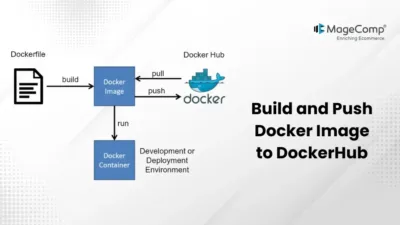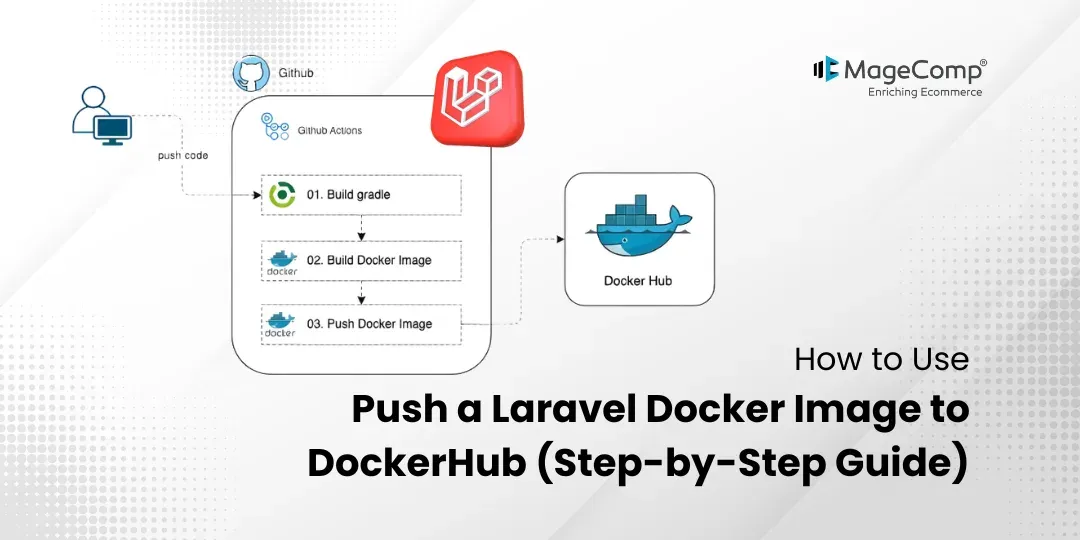
Packaging applications, with or without their dependencies, through Docker allows applications to run consistently in a variety of environments. Additionally, when utilizing Laravel, Docker images allow development teams to share their applications with other members on their team or easily deploy them to production servers.
DockerHub, which is a cloud-based repository of Docker images, provides an easy way for users to upload and download images. Therefore, once a user uploads their Laravel Docker image to DockerHub, other users are able to download and begin utilizing that application without needing to set up their own local container environment.

This tutorial will show you how to create a Docker image for a Laravel application, upload it to DockerHub, and share that image with other users.
So, let’s get started!
Steps to Push a Laravel Docker Image to DockerHub:
Step 1: Build the Docker Image
To create your Docker image, you first need to navigate to the root directory of your Laravel application. Once you are in your Laravel project root directory, run the following command to create a new Docker image:
docker build -t my-laravel-app:latest .This will create a new Docker image with the name of my-laravel-app and the tag of latest.
- -t – Assigns a name and tag to the image
- . – Indicates Docker should use the Dockerfile in the current directory
Step 2: Log in to DockerHub
In order to push images, you must be signed into your DockerHub account.
To sign in to DockerHub, use the following command:
docker loginWhen prompted, insert your username and password for DockerHub; after successful login, you will then be able to push images to your DockerHub account.
Step 3: Tag the Docker Image
Now that you’re logged into DockerHub, you will need to tag your Docker image with your DockerHub username so that you can upload it to your DockerHub account.
docker tag my-laravel-app:latest magecomp/my-laravel-app3:latestExplanation:
- my-laravel-app:latest – Your local image
- magecomp/my-laravel-app3:latest – DockerHub repository name
Replace magecomp with your own DockerHub username.
Step 4: Push the Image to DockerHub
Now push the tagged image to DockerHub using the following command:
docker push magecomp/my-laravel-app3:latestThis command uploads your Laravel Docker image to DockerHub, making it available for others to download and use.
Running the Laravel Application
Once everything has been set up, you can run your Laravel application by using the following command.
php artisan serveAfter running the command, open your browser and visit:
You should now see your Laravel application running successfully.
Conclusion
Pushing your Laravel Docker image to DockerHub gives you an easy way to share, deploy, and manage your application across different environments. This method improves collaborative efforts with coworkers and provides for consistent application operation within the development environment as well as the production environment.

FAQ
1. Why should I use Docker with Laravel?
Docker allows developers to use Laravel in a consistent environment and, therefore, has eliminated problems that can happen when using different configurations of systems.
2. Do I need a DockerHub account to push images?
Yes. All users who require using the Docker registry to push images and store them on DockerHub will need to have a DockerHub account.
3. Can private images be stored on DockerHub?
Yes. DockerHub allows both public and private repositories, depending on your plan.