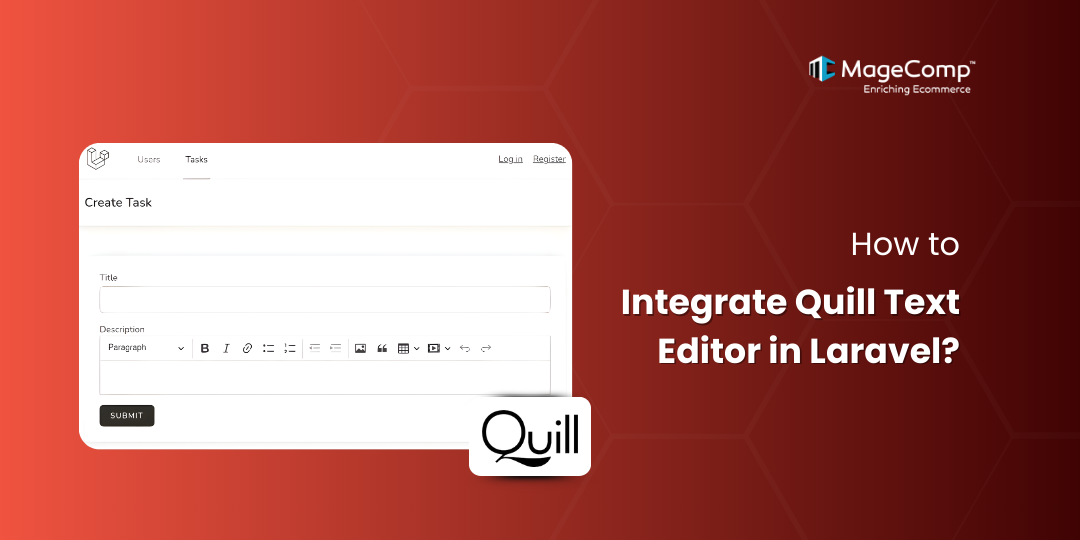
Modern applications that use the web are using rich text editors to help users create their content better, improve their experiences while using the applications, and make formatting their content easier for users. Many times, when developers creating Laravel Applications are looking for lighter-weight alternatives to those existing on the web, they will typically turn to Quill. It has become one of the more popular alternatives for rich text editors due to its modular design, themes, and a wide range of formatting options.
In this guide, we’ll walk you through how to integrate the Quill Text Editor in a Laravel application, step by step.

What is Quill Editor?
The Quill Text Editor is an open-source WYSIWYG Editor that is developed by the QuillJS community. It is very fast and highly extensible, supporting features such as:
- Bold, italic, underline, lists
- Headings and alignment
- Media embedding (images, videos)
- Themes like Snow and Bubble
- Clean output using Delta and HTML
Its lightweight structure makes it perfect for Laravel applications, admin dashboards, blogs, and CMS projects.
Steps to Integrate Quill Text Editor in Laravel
Step 1: Install Laravel
composer create-project laravel/laravel example-appStep 2: Create Route
Add route in this file routes/web.php
Route::get('quill-editor', [QuillTextController::class, 'index']);
Route::post('quill-editor', [QuillTextController::class, 'store'])->name('quill.store');
Step 3: Create Controller
Make controller and update code in this file app/Http/Controllers/QuillTextController.php
<?php

namespace App\Http\Controllers;

use Illuminate\Http\Request;
use Illuminate\View\View;
use Illuminate\Http\JsonResponse;

class QuillTextController extends Controller
{
    /**
     * Write code on Method
     *
     * @return response()
     */
    public function index(): View
    {
        return view('quill');
    }
    /**
     * Write code on Method
     *
     * @return response()
     */
    public function store(Request $request): JsonResponse
    {
        dd($request->all());
    }
}
Step 4: Create View File
Update code in this blade file for front view resources/views/quill.blade.php
<!DOCTYPE html>

<html>
<head>
    <title>How to Use Quill Rich Text Editor in Laravel 12? - ItSolutionStuff.com</title>
    <meta charset="utf-8">
    <meta http-equiv="X-UA-Compatible" content="IE=edge">
    <meta name="viewport" content="width=device-width, initial-scale=1">
    <link href="https://cdn.jsdelivr.net/npm/bootstrap@5.0.2/dist/css/bootstrap.min.css" rel="stylesheet">
    <link href="https://cdn.jsdelivr.net/npm/quill@2.0.2/dist/quill.snow.css" rel="stylesheet" />
</head>

<body>
<div class="container">
    <div class="card mt-5">
        <h3 class="card-header p-3">How to Use Quill Rich Text Editor in Laravel 12? - ItSolutionStuff.com</h3>
        <div class="card-body">
            <form method="POST" action="{{ route('quill.store') }}">
                @csrf
                <div class="mb-3">
                    <label class="form-label" for="inputName">Title:</label>
                    <input
                        type="text"
                        name="title"
                        id="inputName"
                        class="form-control @error('title') is-invalid @enderror"
                        placeholder="Name">
                    @error('title')
                        <span class="text-danger">{{ $message }}</span>
                    @enderror
                </div>
                <div class="mb-3">
                    <label class="form-label" for="inputEmail">Body:</label>
                    <div id="quill-editor" class="mb-3" style="height: 300px;">
                    </div>
                    <textarea
                        rows="3"
                        class="mb-3 d-none"
                        name="body"
                        id="quill-editor-area"></textarea>
                    @error('body')
                        <span class="text-danger">{{ $message }}</span>
                    @endif
                </div>
                <div class="mb-3">
                    <button class="btn btn-success btn-submit">Submit</button>
                </div>
            </form>
        </div>
    </div>
</div>
</body>
<script src="https://cdn.jsdelivr.net/npm/quill@2.0.2/dist/quill.js"></script>

<!-- Initialize Quill editor -->

<script type="text/javascript">
    document.addEventListener('DOMContentLoaded', function() {

        if (document.getElementById('quill-editor-area'))
            var editor = new Quill('#quill-editor', {
                theme: 'snow'
            });
            var quillEditor = document.getElementById('quill-editor-area');
            editor.on('text-change', function() {
                quillEditor.value = editor.root.innerHTML;
            });
            quillEditor.addEventListener('input', function() {
                editor.root.innerHTML = quillEditor.value;
            });
        }
    });
</script>
</html>
Step 5: Run Project
After this step, run the Laravel project
php artisan serveConclusion
Integrating Quill Text Editor in Laravel is incredibly simple and offers a powerful WYSIWYG solution for blogs, admin panels, and CMS platforms. With just a few lines of code, you can enhance your application’s content editing experience while keeping performance optimized.

FAQ
1. What is Quill Text Editor used for?
Quill is an extremely lightweight modern WYSIWYG (What You See Is What You Get) Editor. Many users who create formatted text choose Quill for its many features, including: Headings, Lists, Colors, Media.
2. Is Quill free to use?
Yes, Quill is completely open-source and free for commercial use.